DreamBox Learning
I was fortunate to be part of the early DreamBox Learning team tasked with creating a brand new intermediate student engagement and lesson content. Partnering with the Creative Director, Engineering, and Curriculum Developers, I designed and created all the production-ready assets for the student experience and lesson content for the product launch.
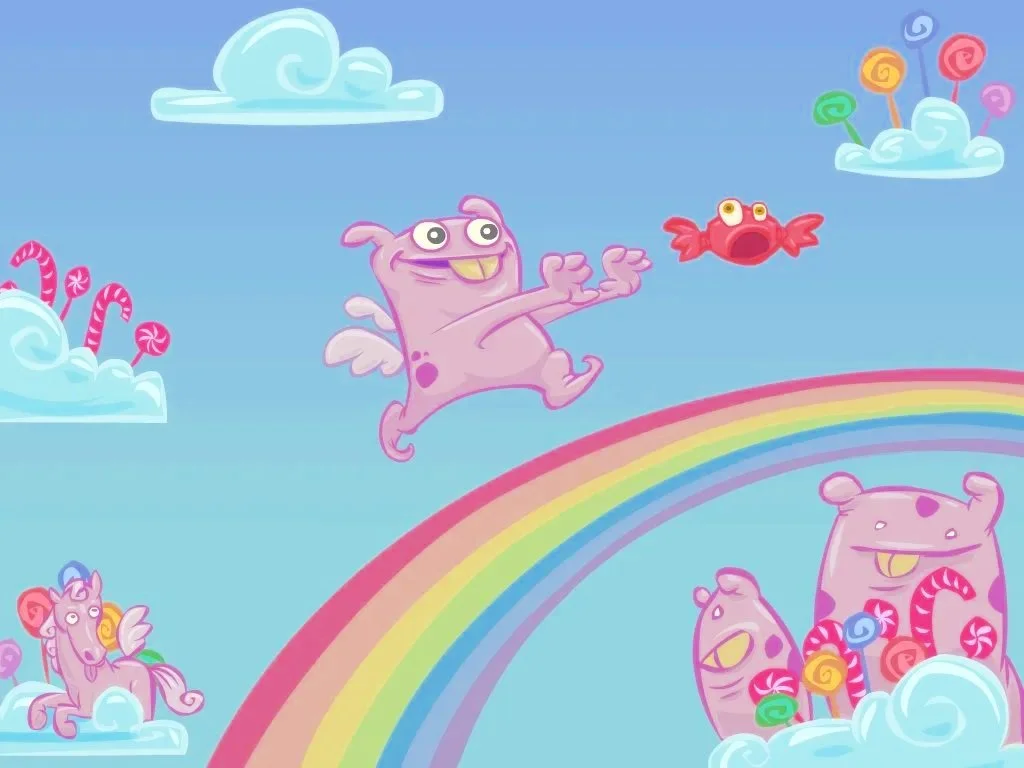
I also created DreamBox Learning’s Güb characters and designed the visual look and feel of DreamBox Learning’s math concept videos within the product.
During my tenure at DreamBox, I continued to provide art and creative direction, visual and interactive designs, animations, and visual content within a software development environment for both platform and content. I also managed a team of artists, visual designers, contractors and freelancers in creating engaging and impactful learning experiences for students K-8 and provided creative support for Marketing. With the acquisition of Squiggle Park—rebranded as Reading Park—I spearheaded the early creative development process and did double-duty as both Art Director and Visual Designer to update the Engagement UI.
Other highlights during my time at DreamBox included championing and leading hackathon ideas that have become shipped features and the honor of creating wall art for DreamBox Learning’s Bellevue, Washington office.
Art and Creative Direction
Visual Design
UIUX and Interaction Design
Animation and motion design
Illustration
Game Art
Sound Design
Production-ready assets for development
Engagement & Lesson Art Direction, Visual Design & Interaction Design
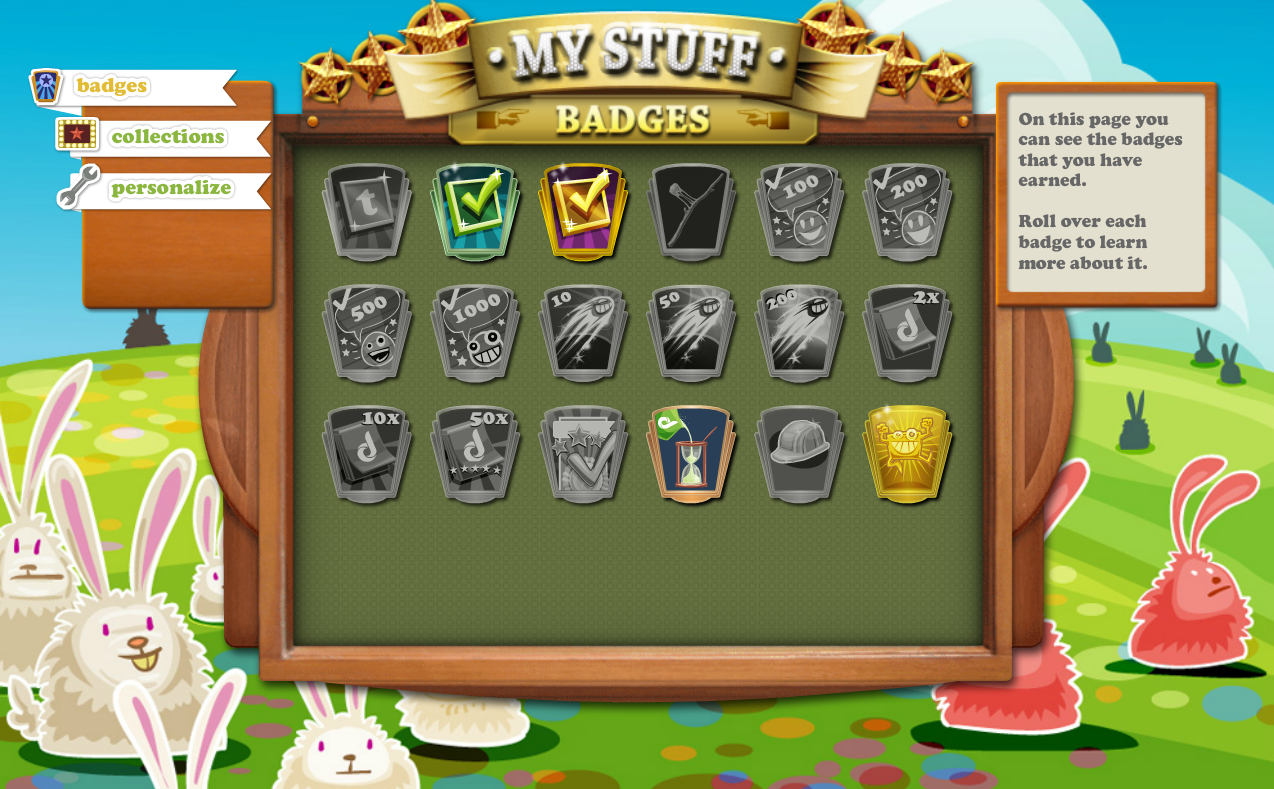
Engagement UI evolution from a textural skeuomorphic style towards a cleaner interface as the product expanded into broader age groups.
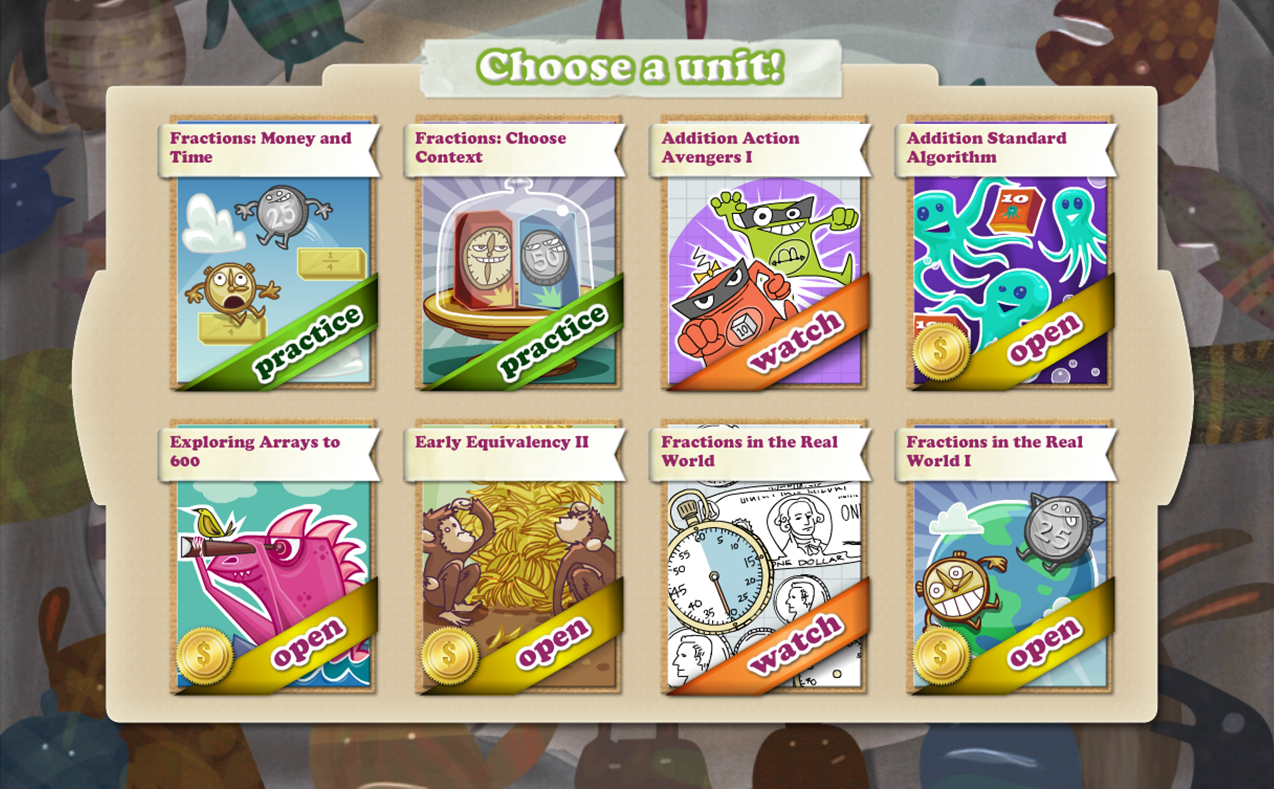
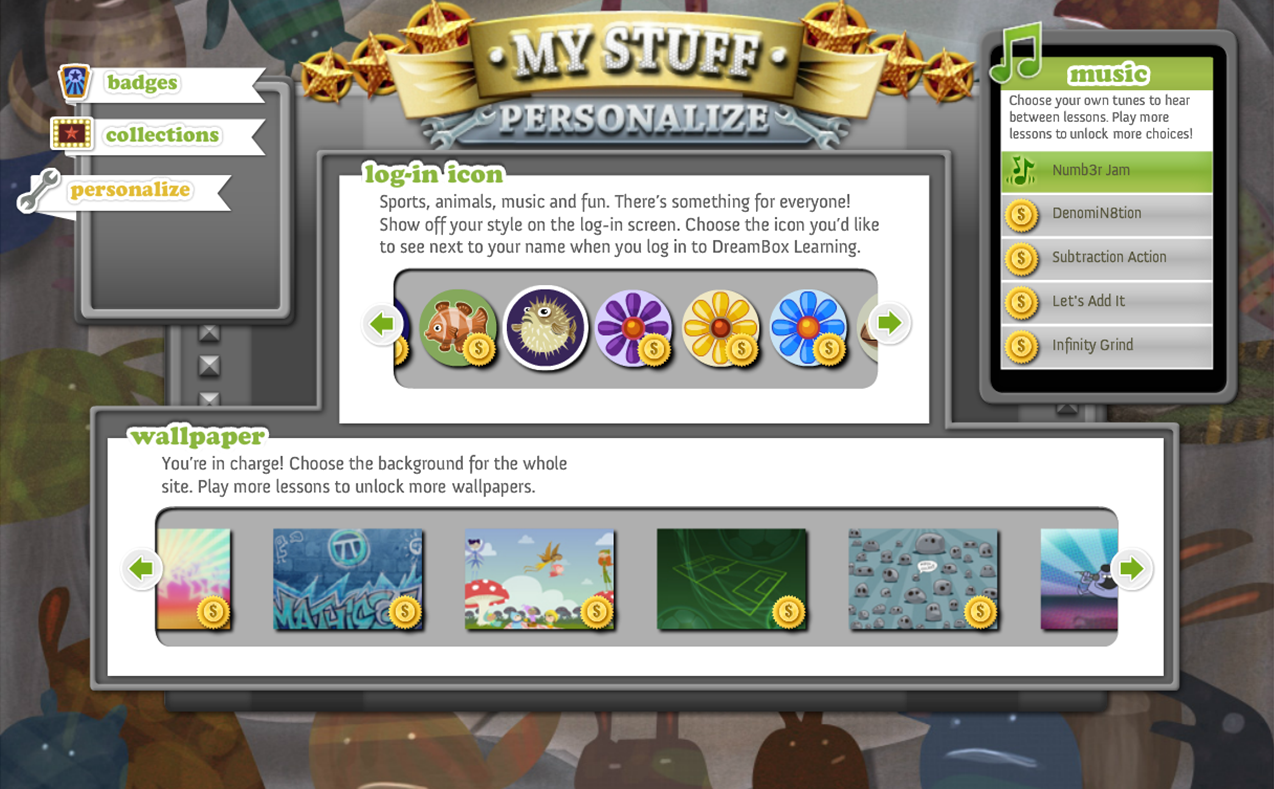
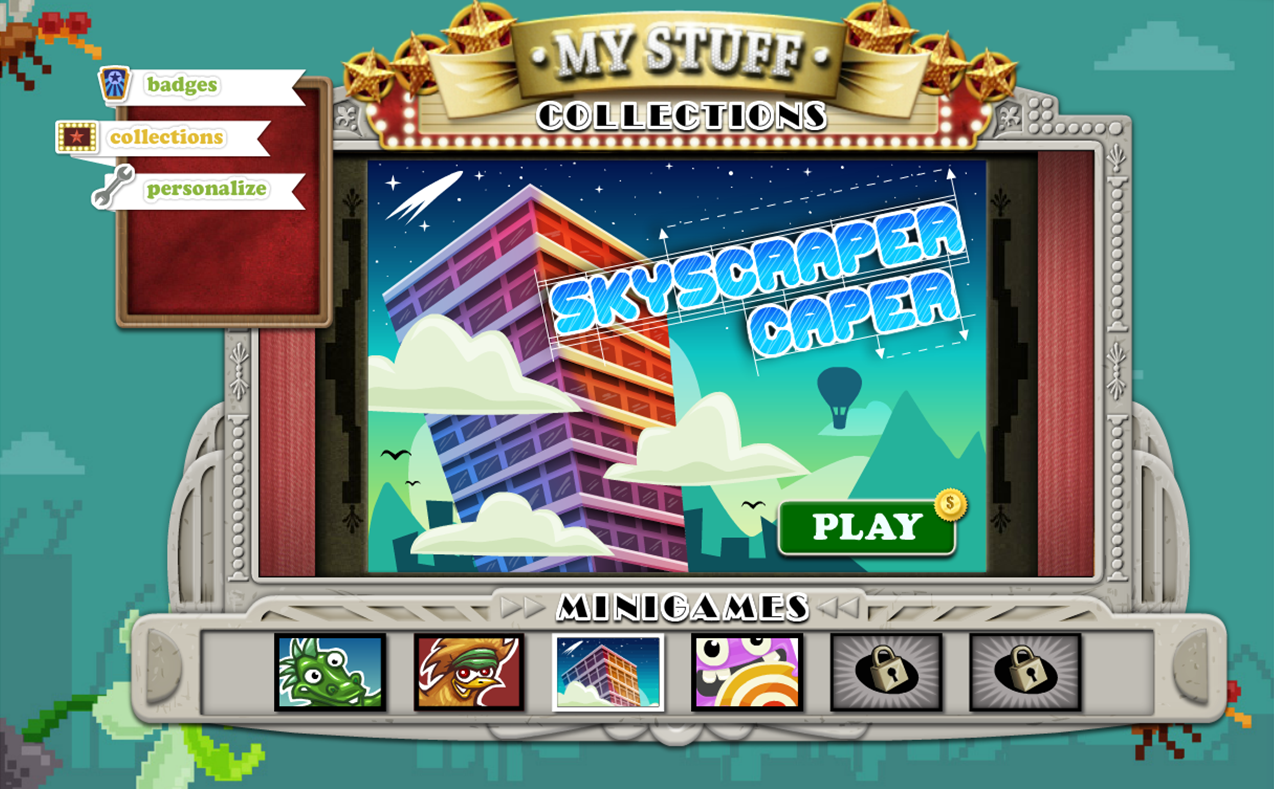
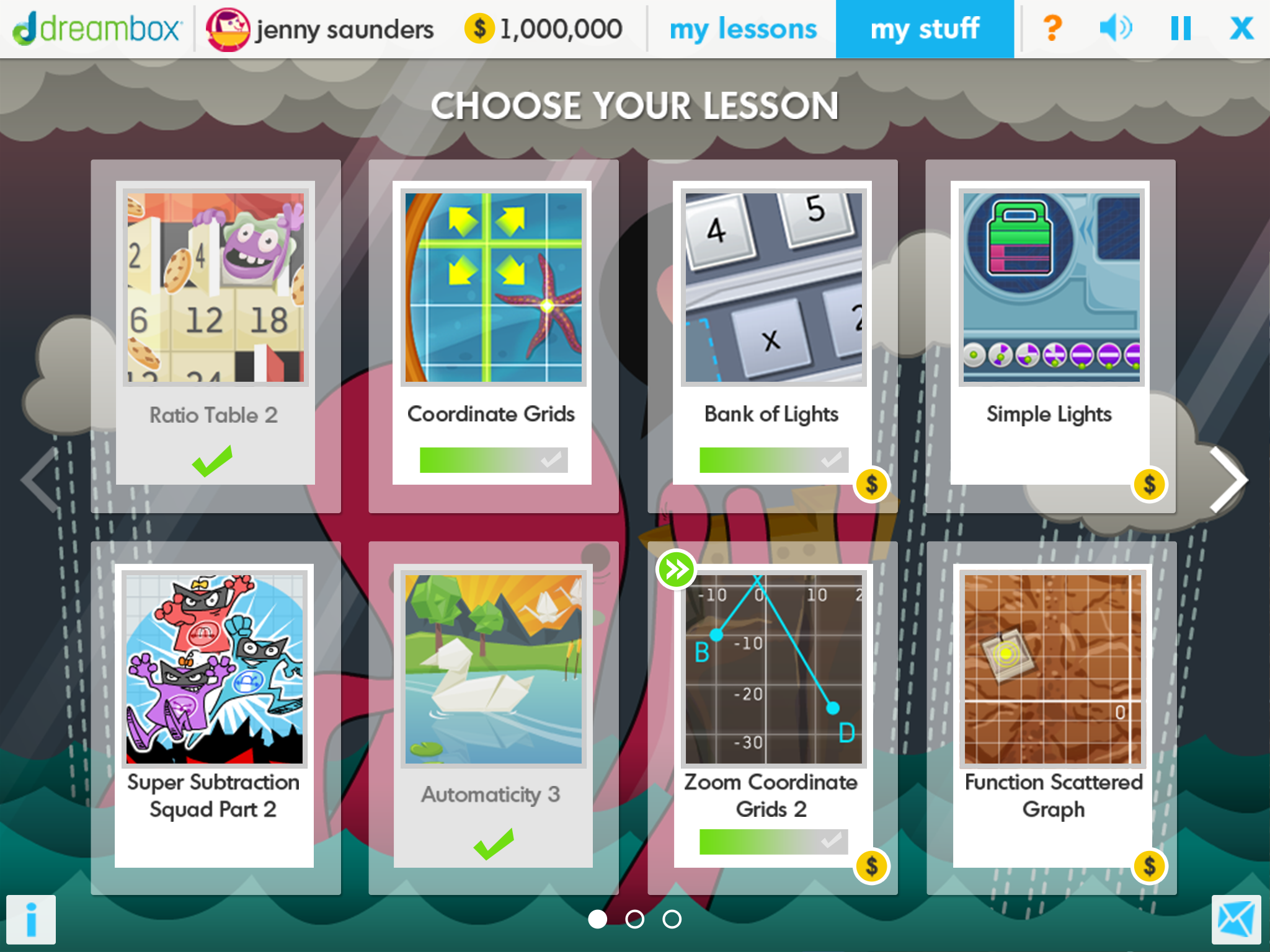
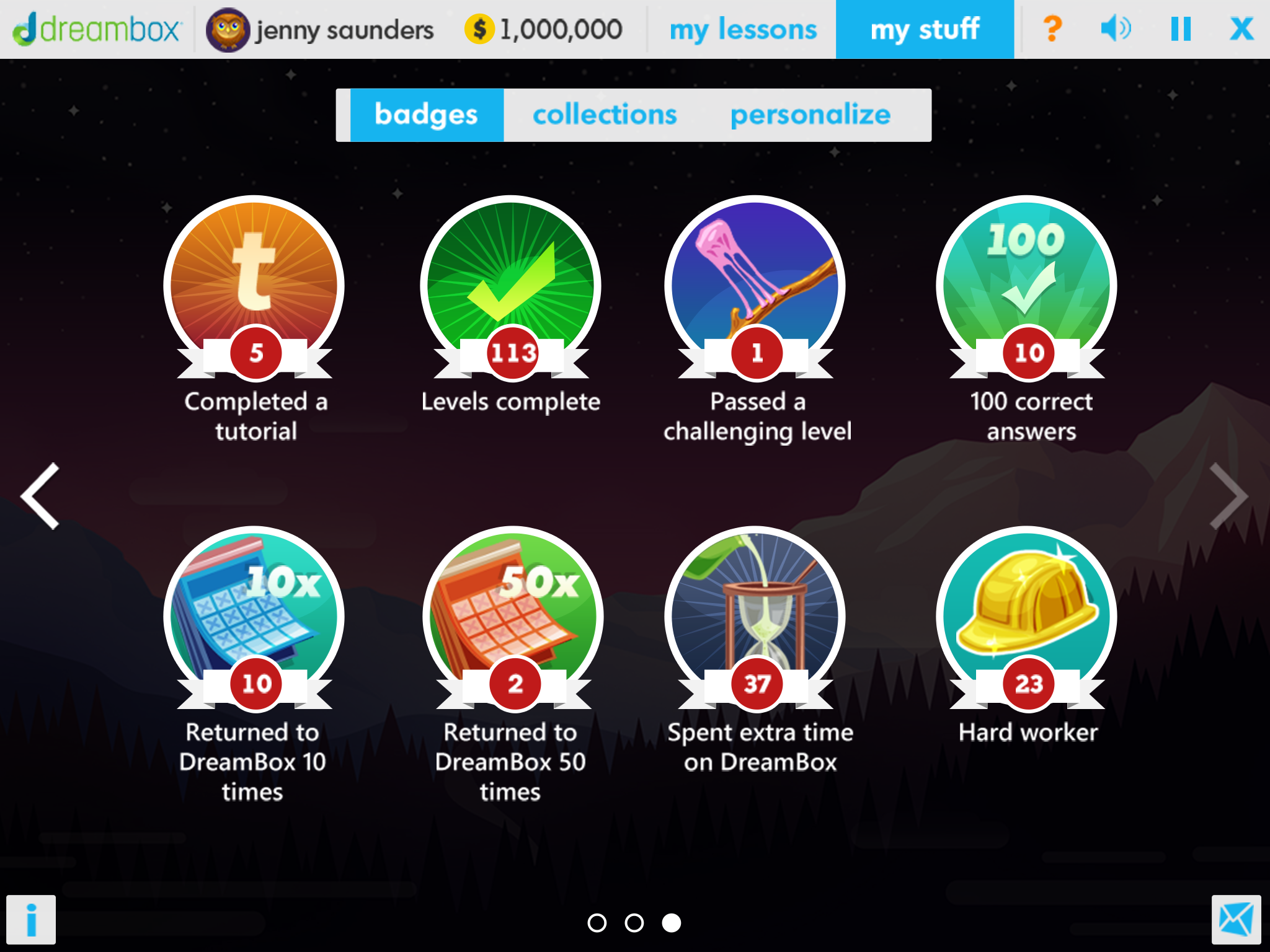
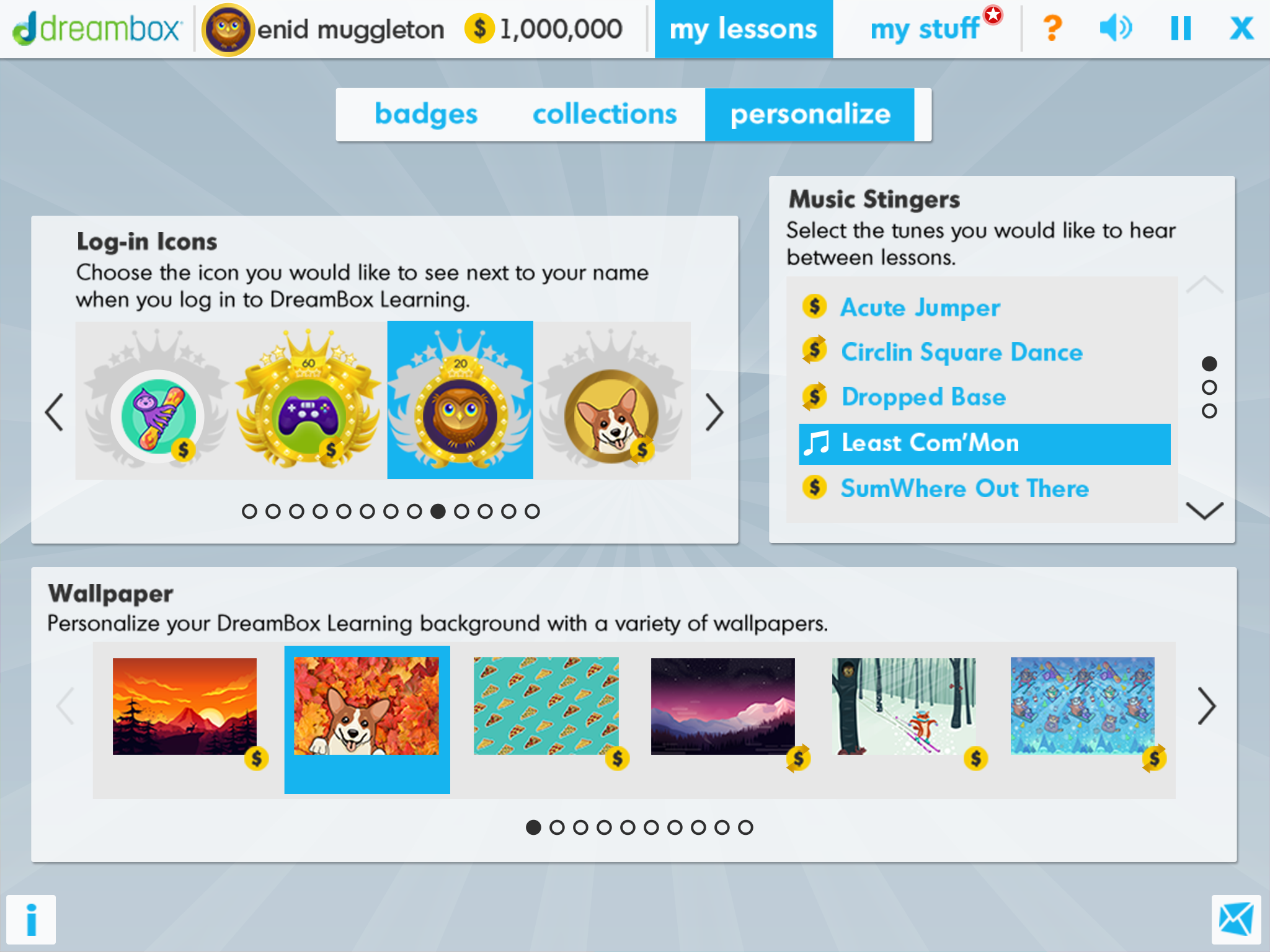
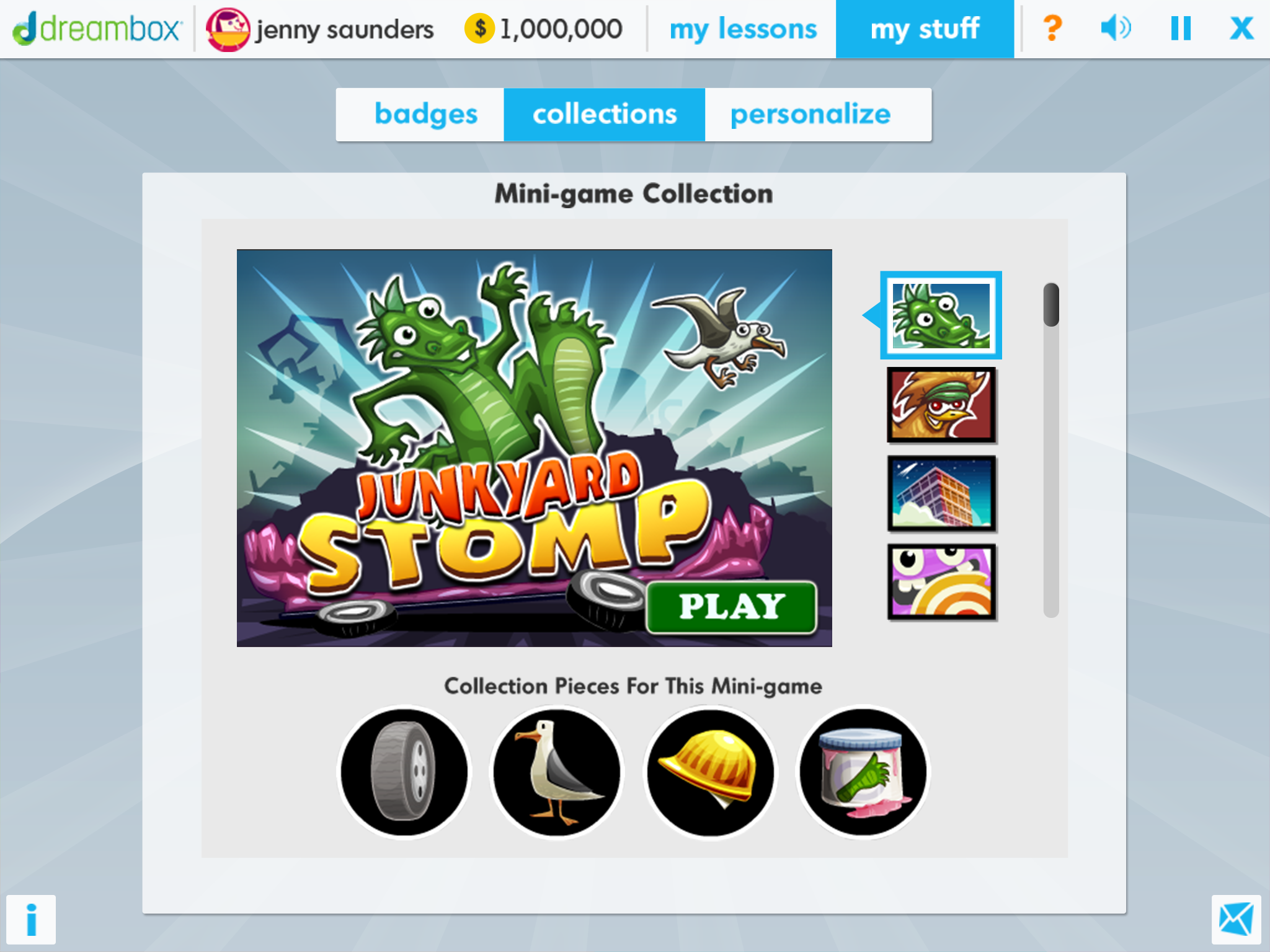
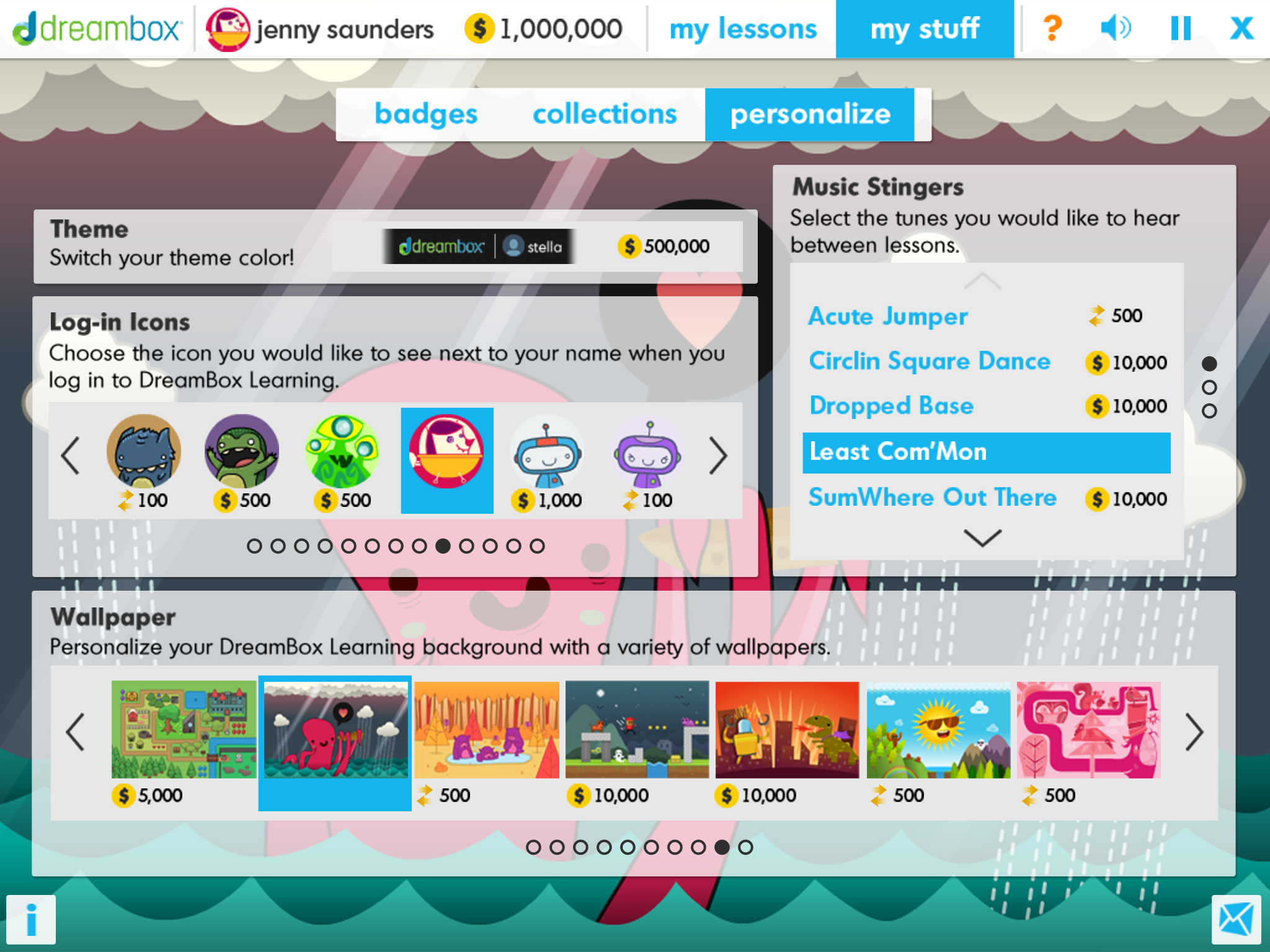
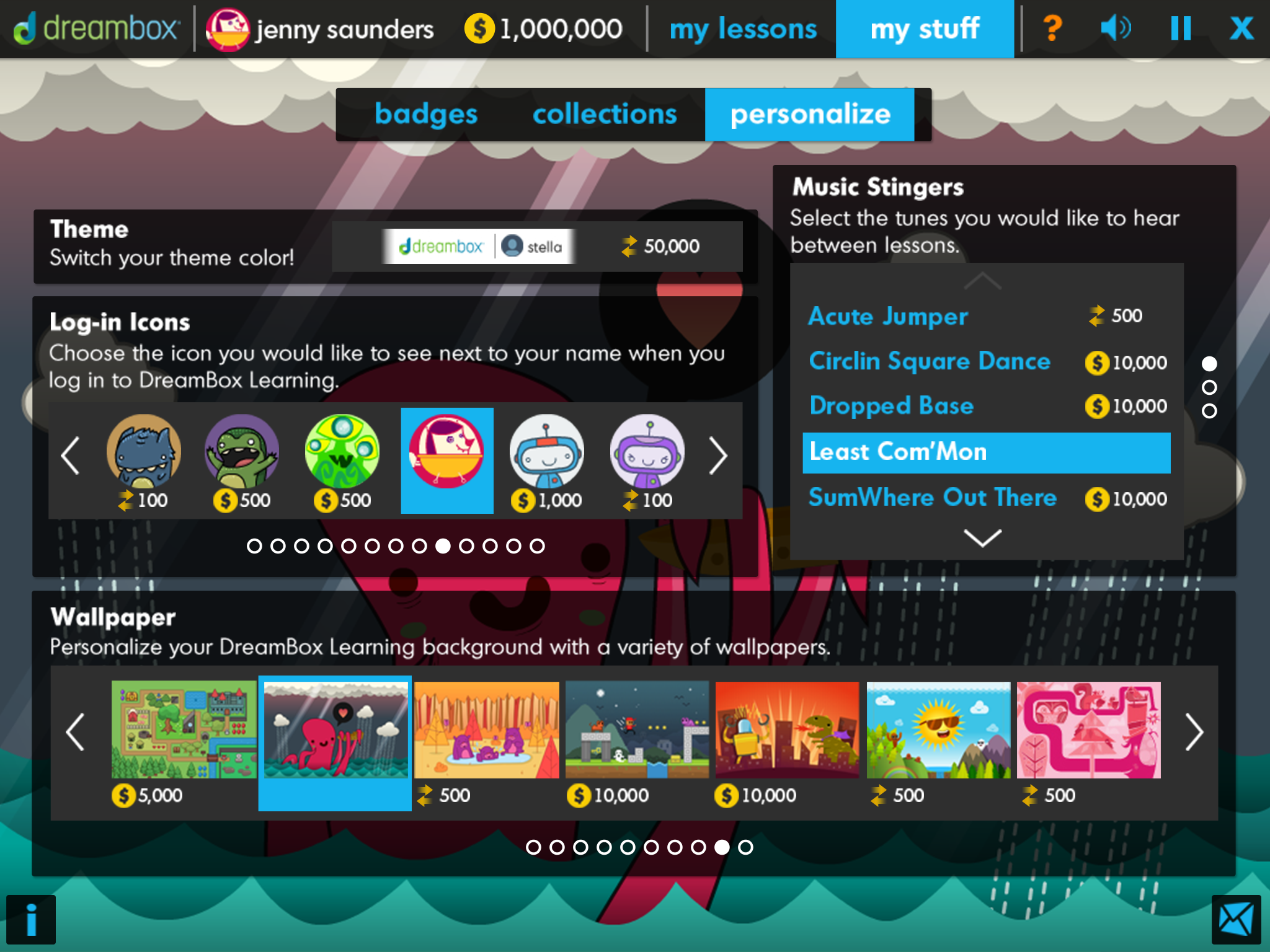
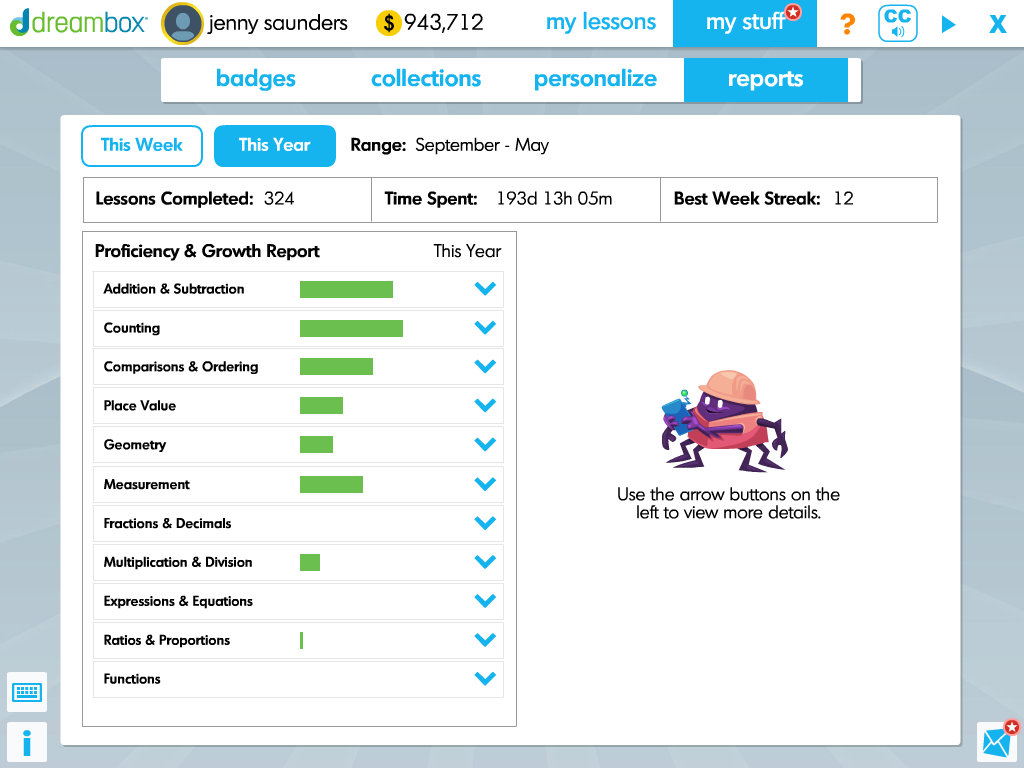
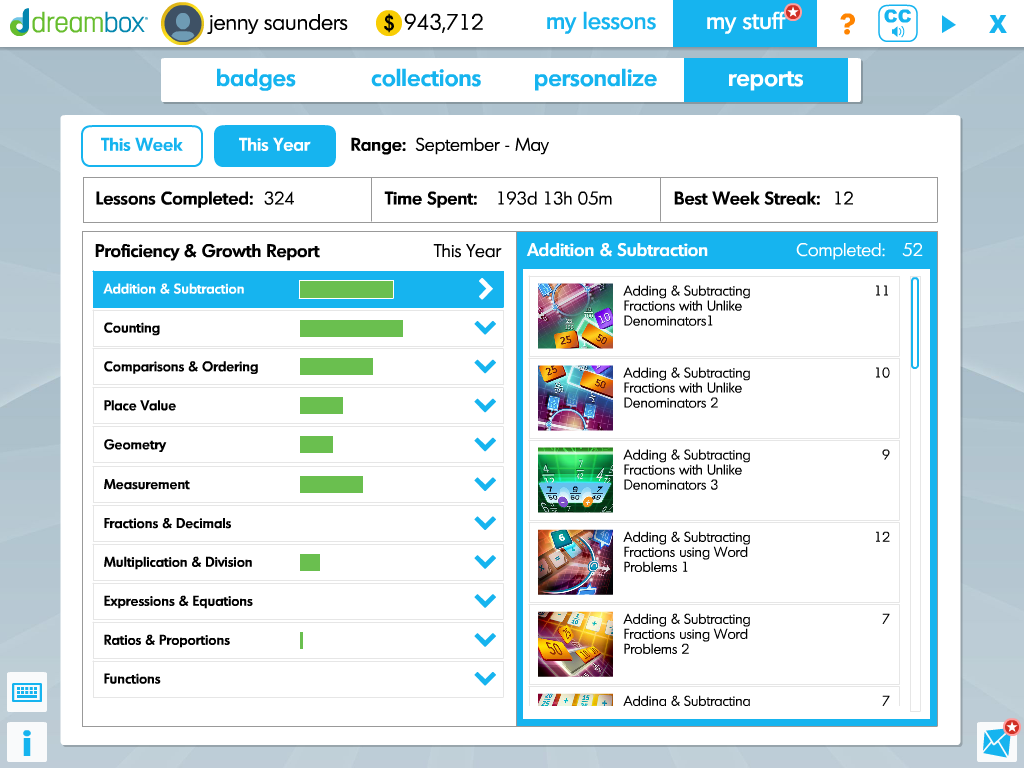
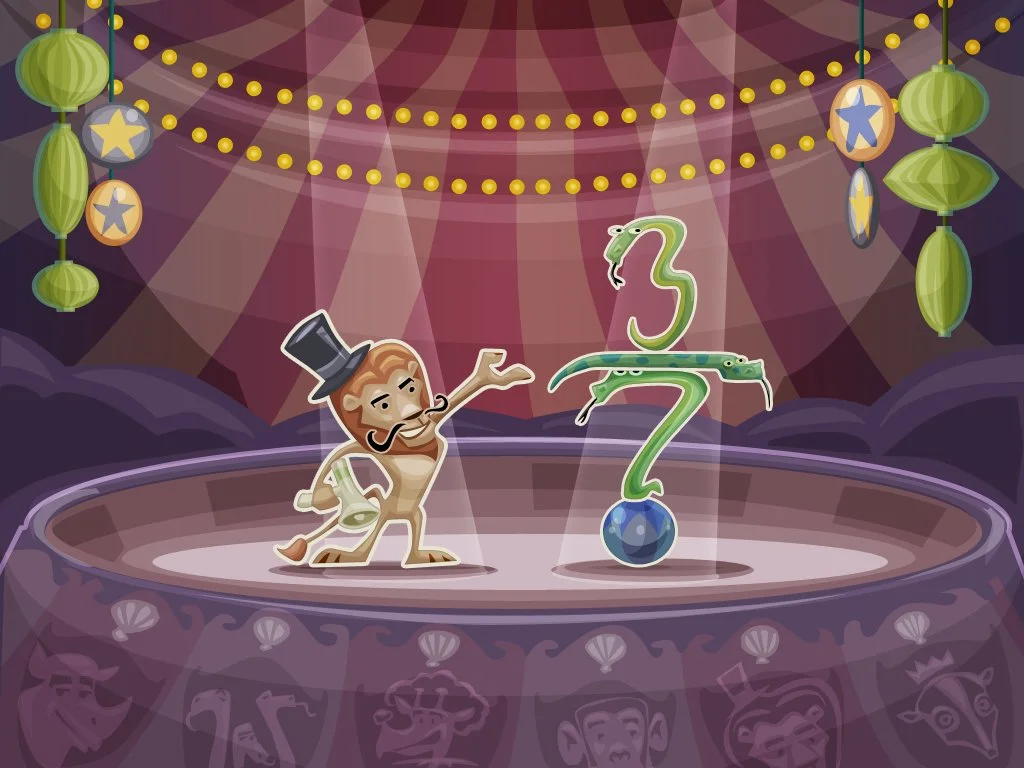
The lesson art direction & visual design began with a whimsical bright cartoony style for younger learners and moved towards stylized realism as the curriculum expanded into middle-school.
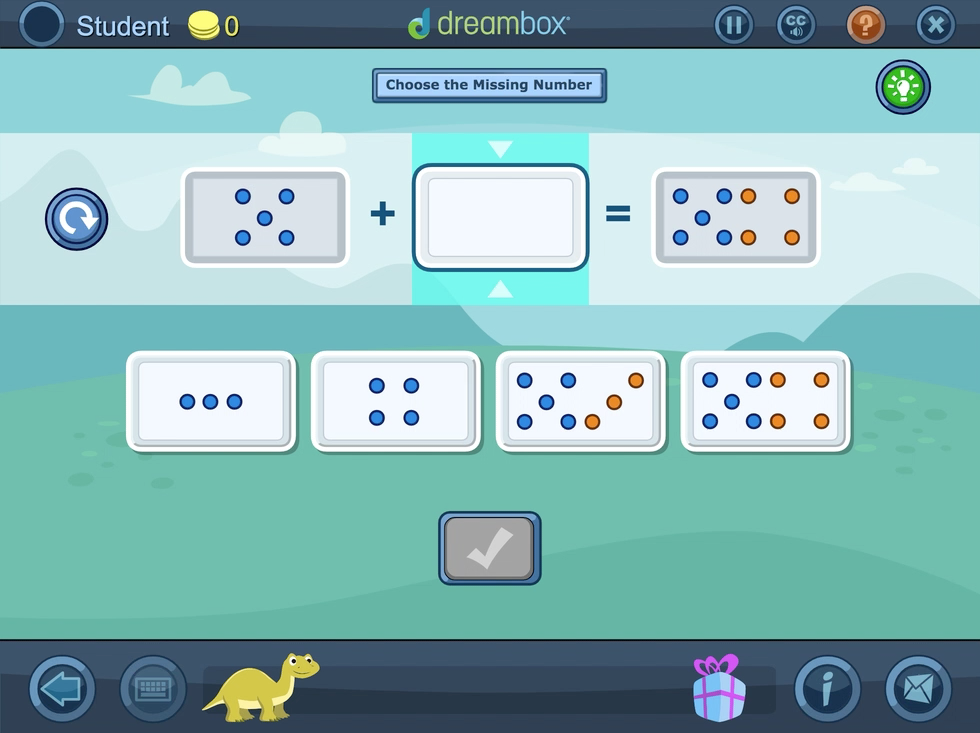
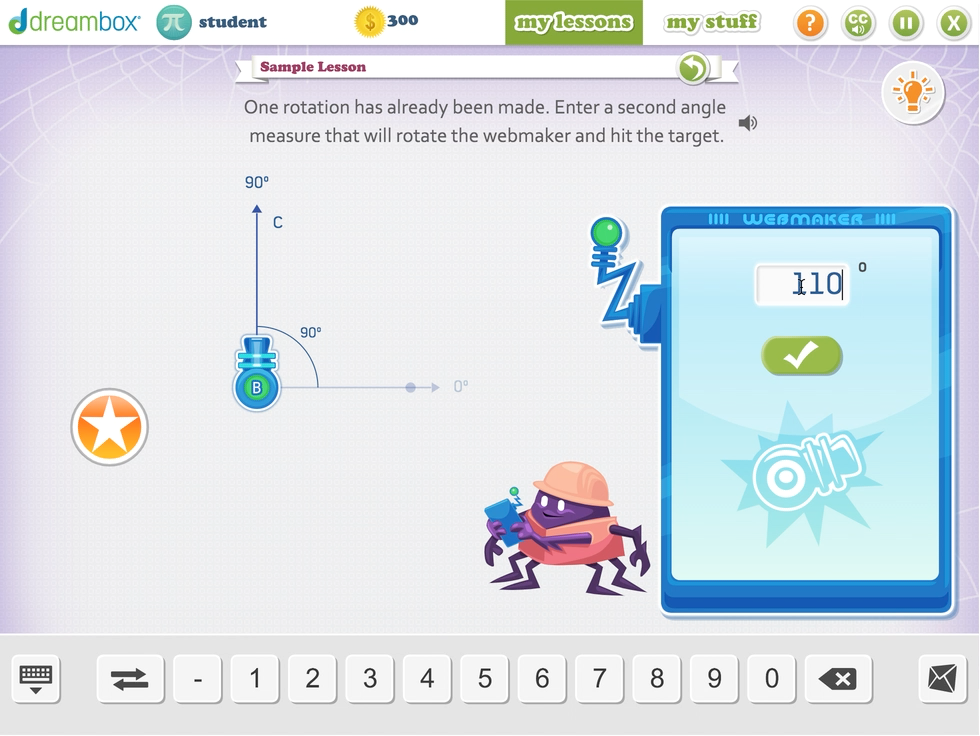
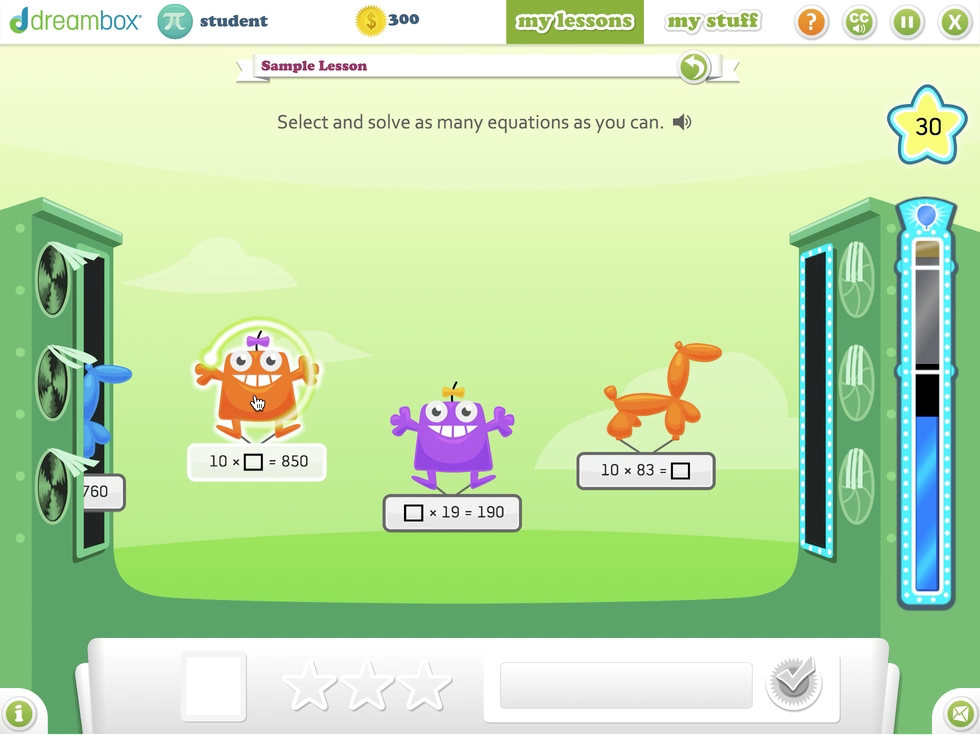
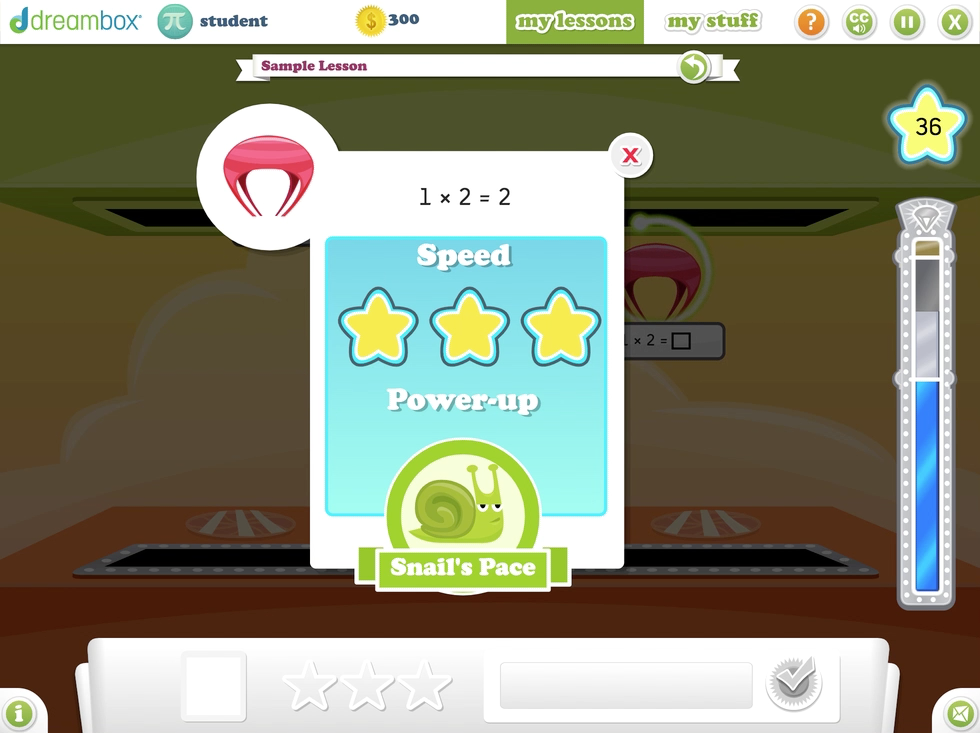
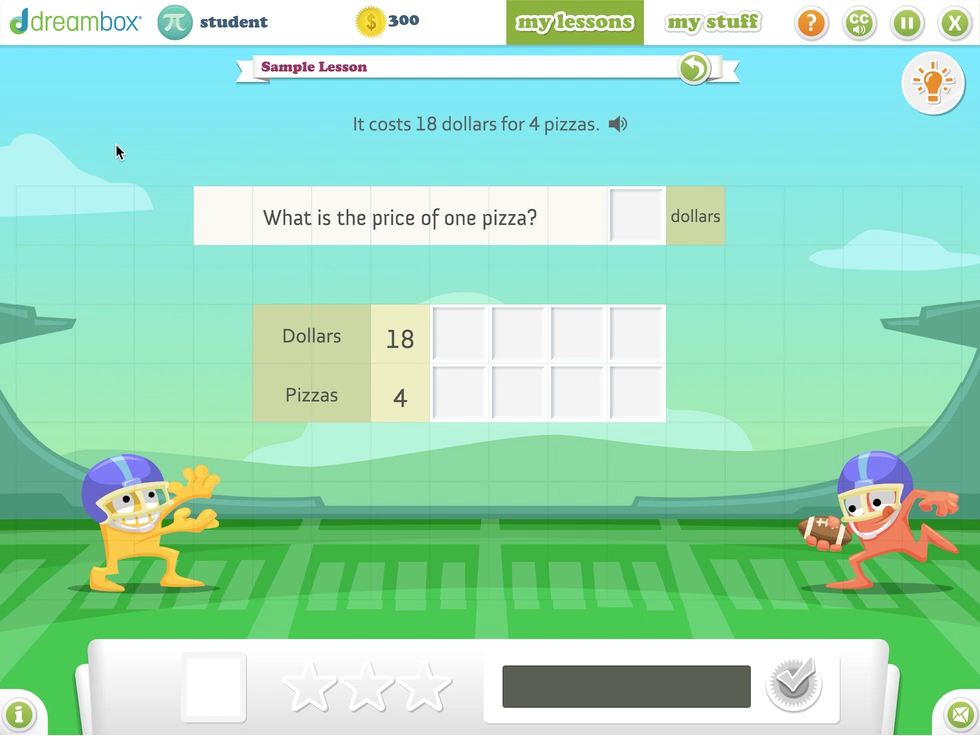
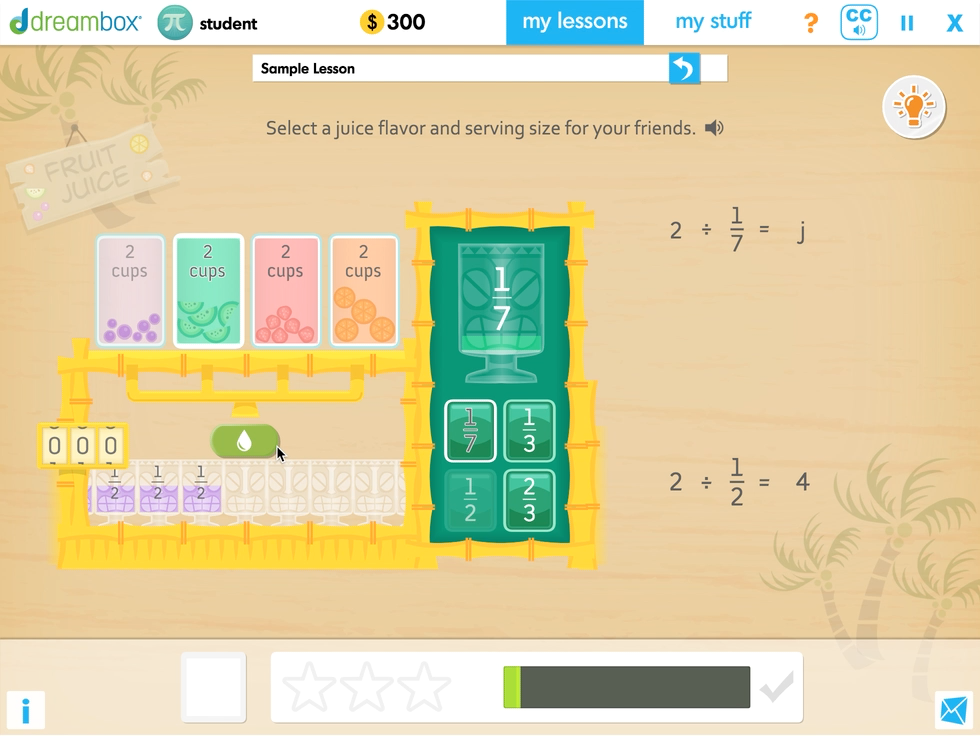
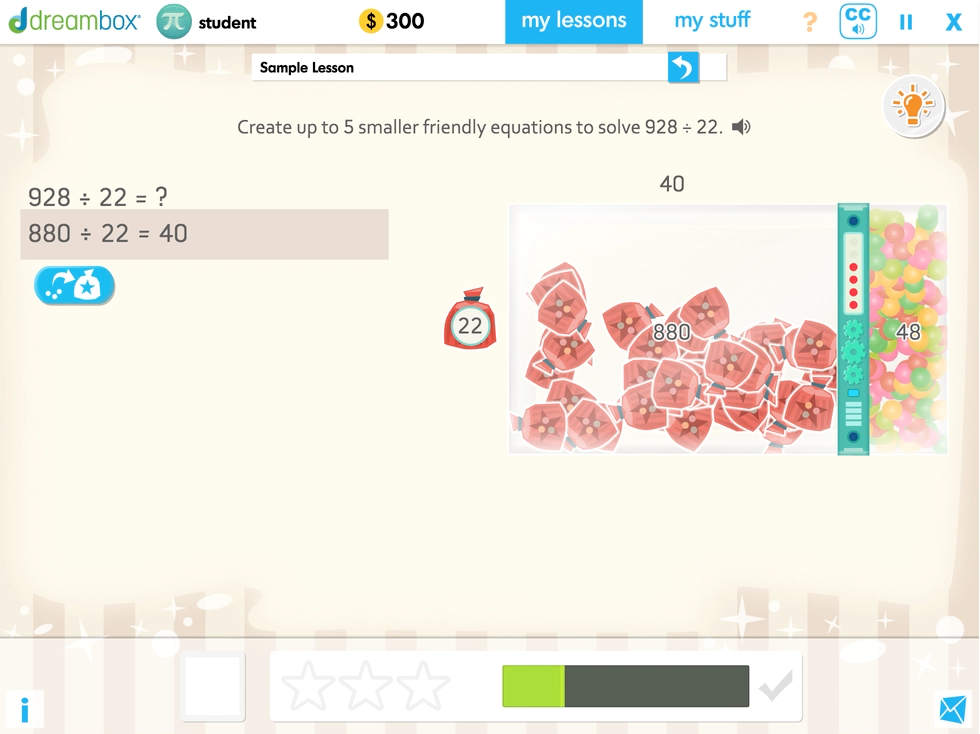
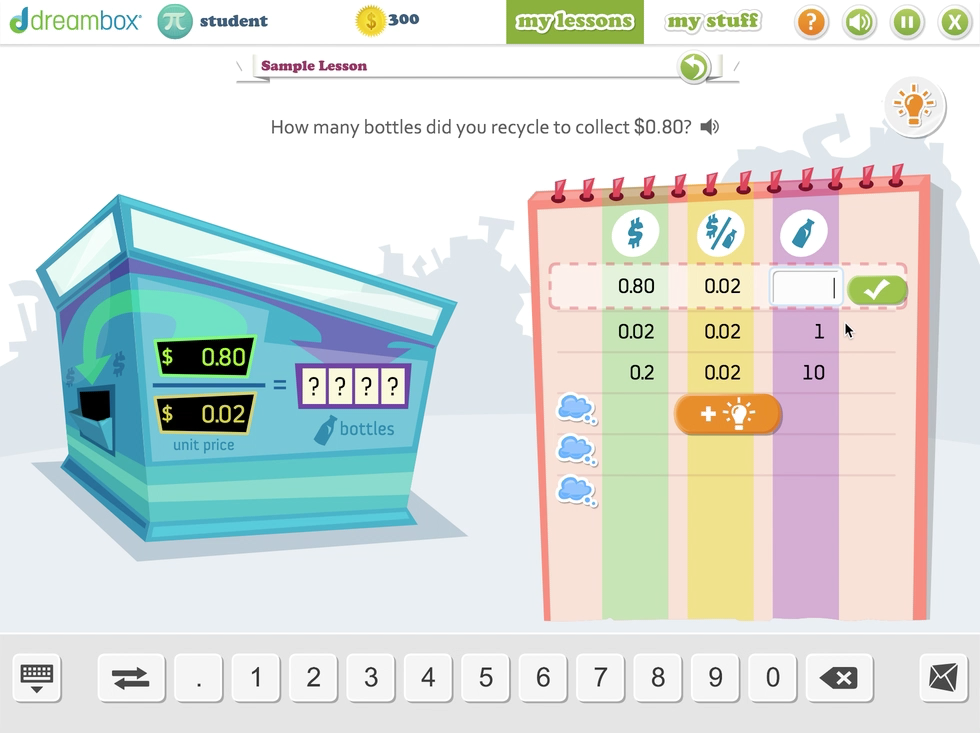
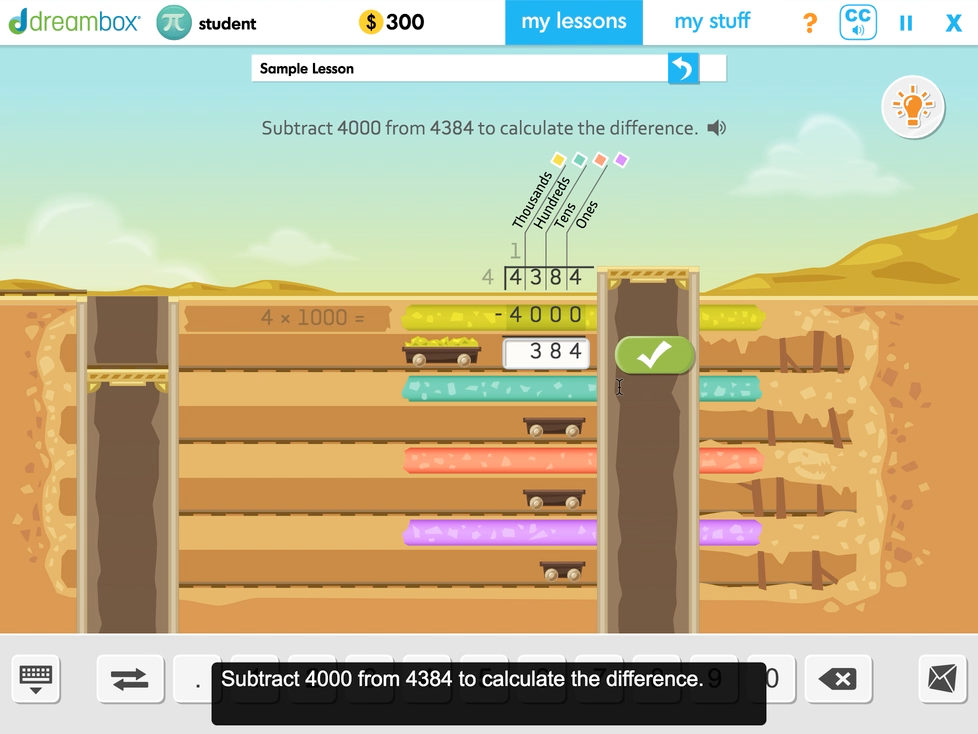
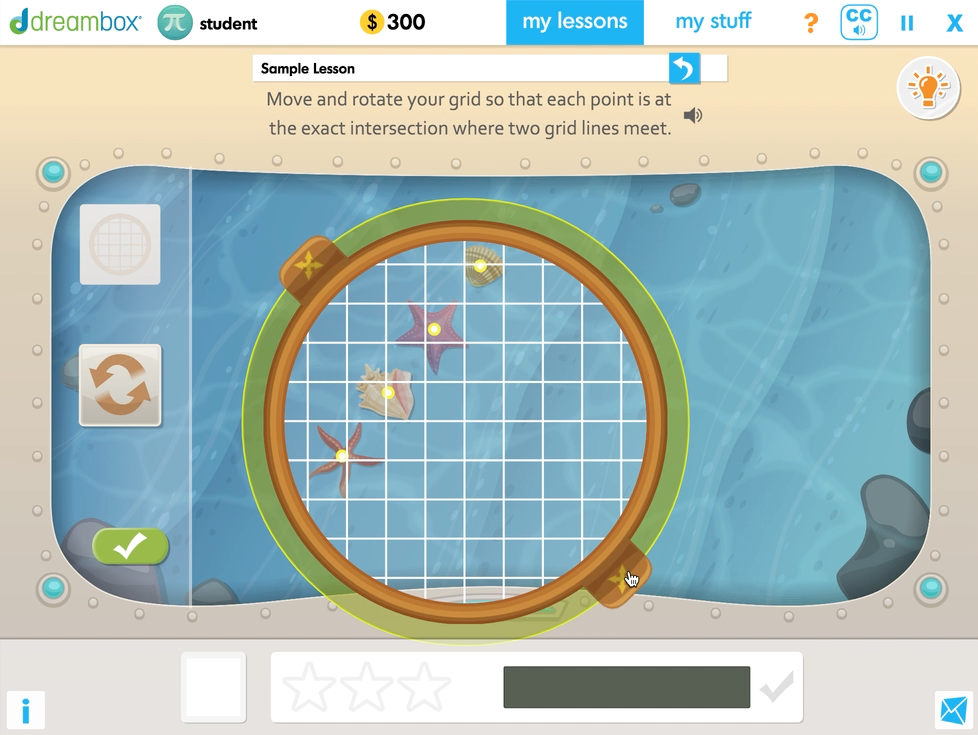
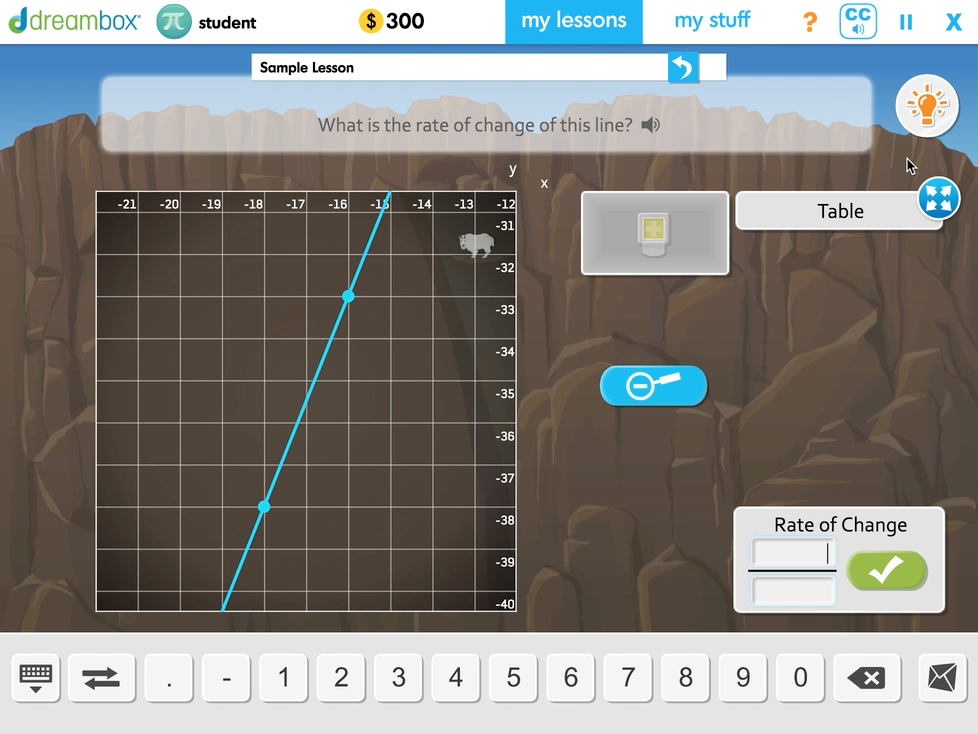
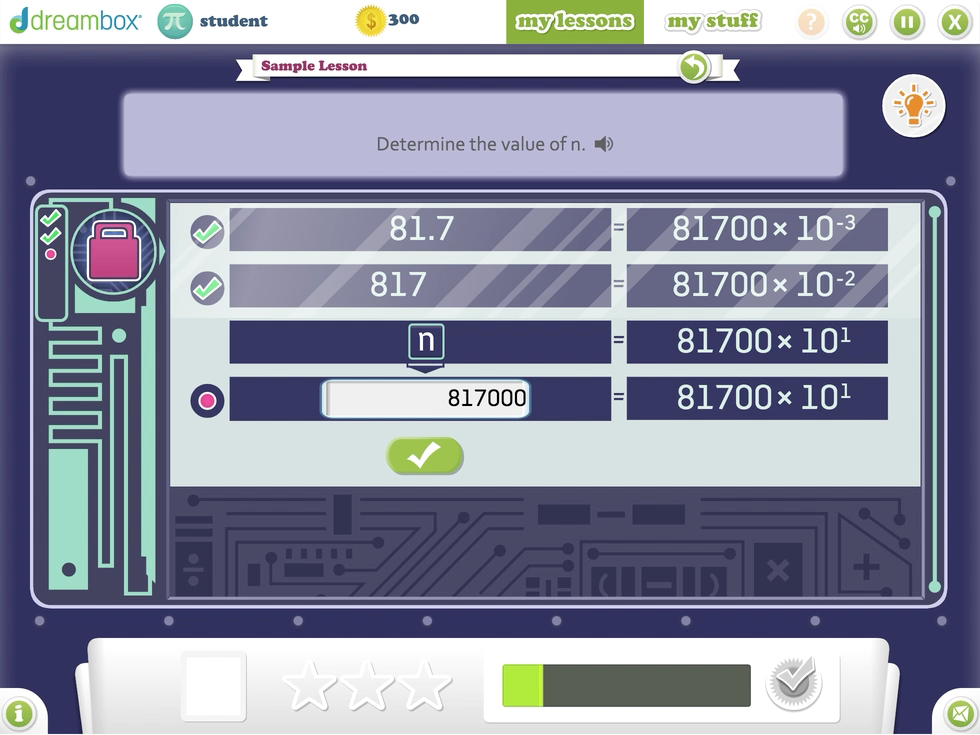
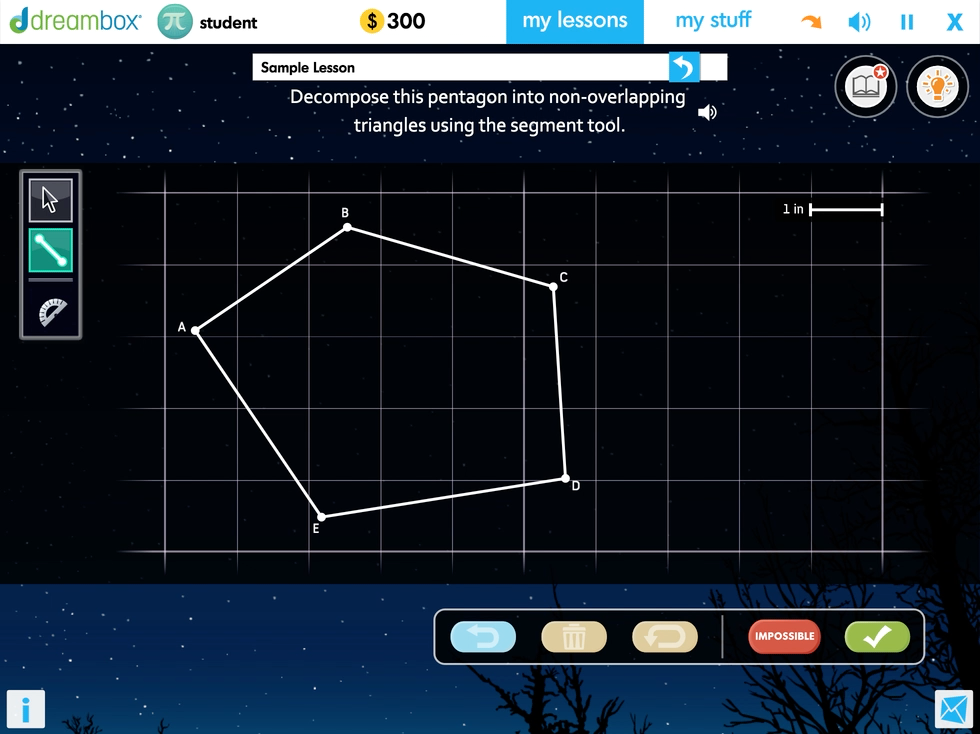
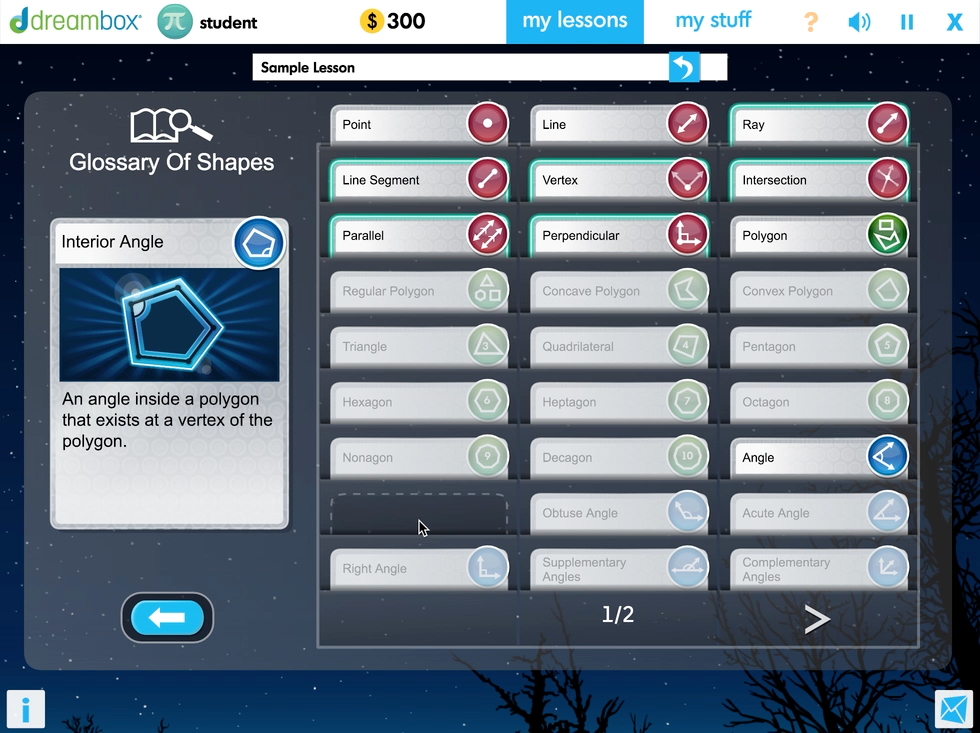
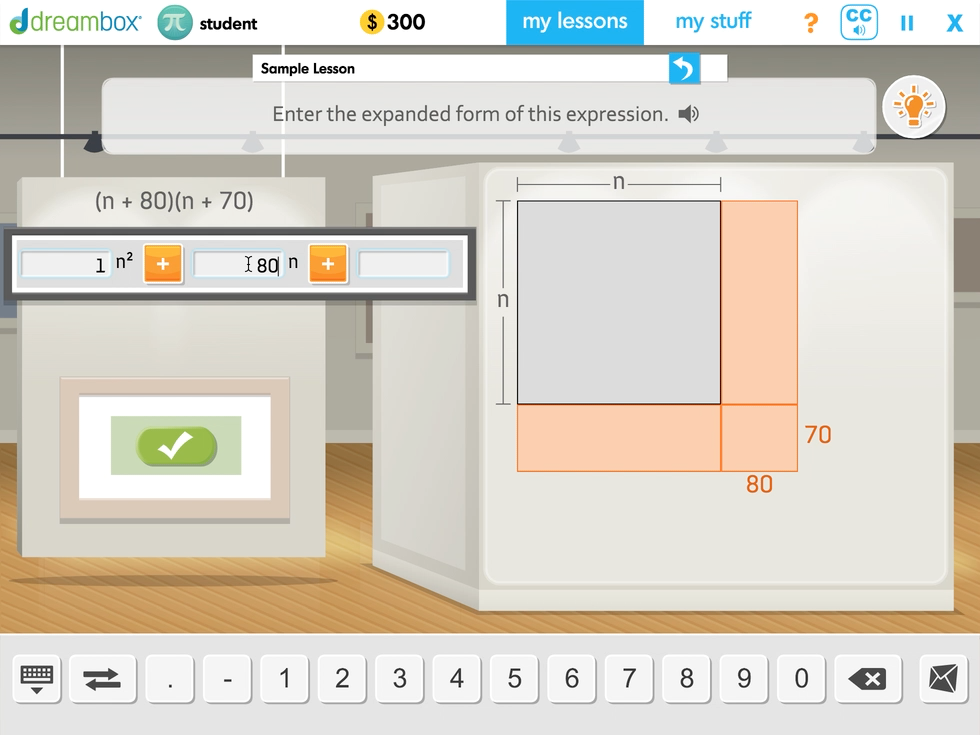
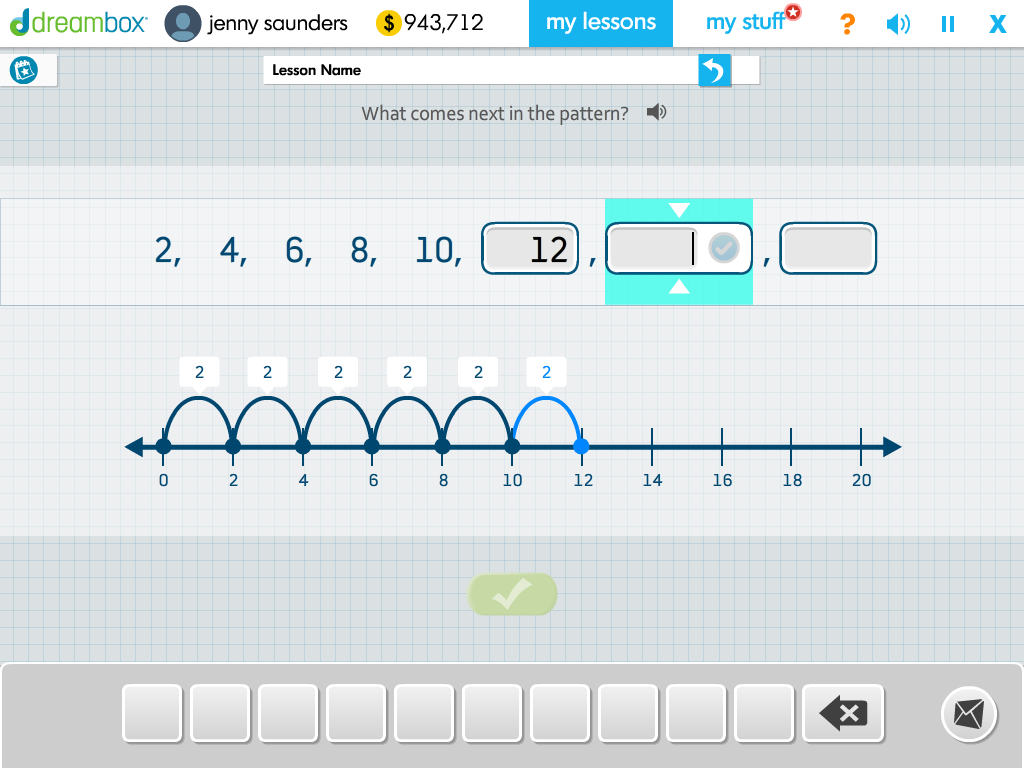
As all lessons were eventually made available for all groups (3rd graders potentially advancing to 7th-grade math and 8th graders needing to play 2nd grade math lessons), I proposed and designed an Age-Agnostic Lesson UI system with a clean minimalist approach for maximum flexibility, visual consistency, and scalability. This approach was also intended to mitigate the issue of older students not appearing to be playing the ‘babyish-looking’ lessons in their classroom if they were assigned earlier grade-level lessons.
Figma slide presentation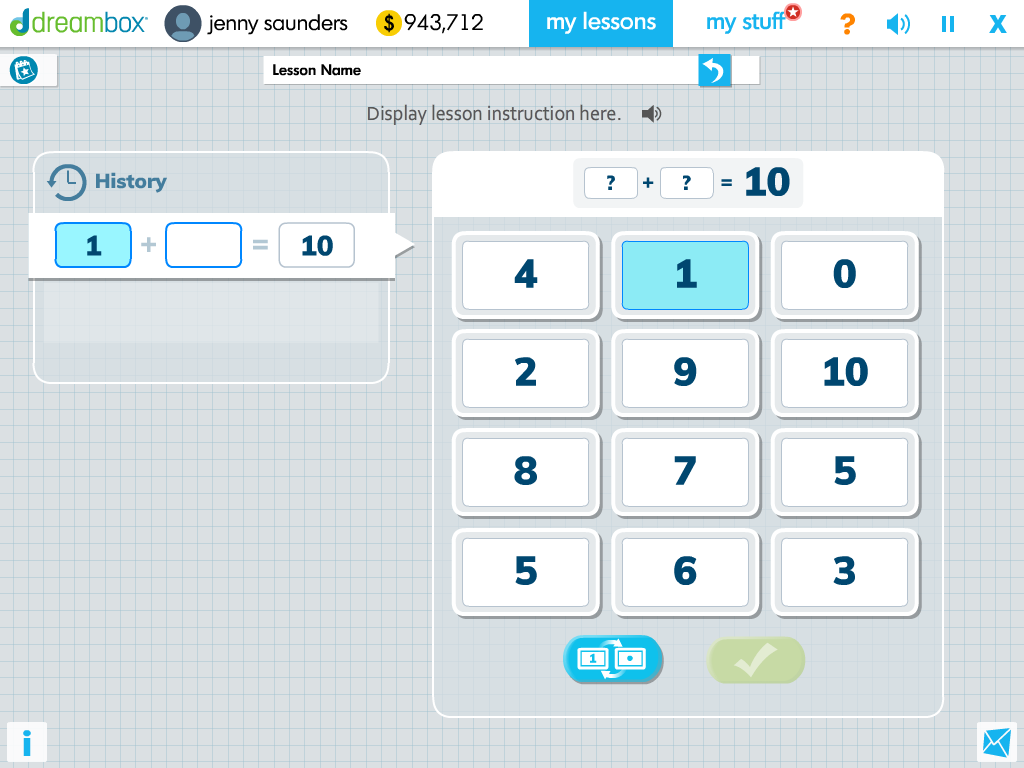
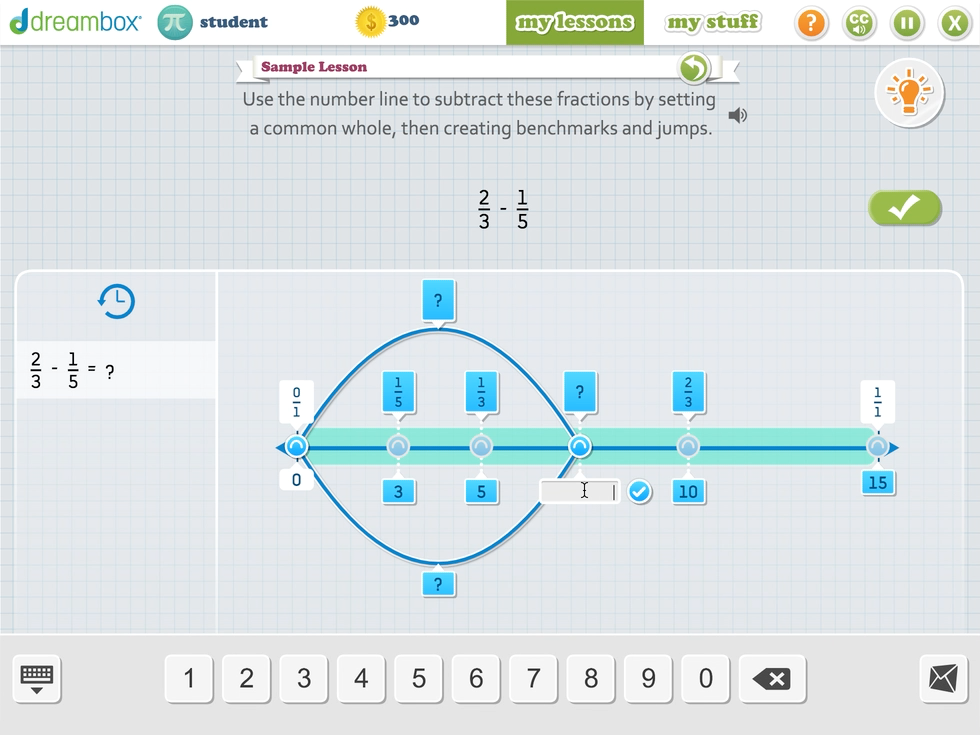
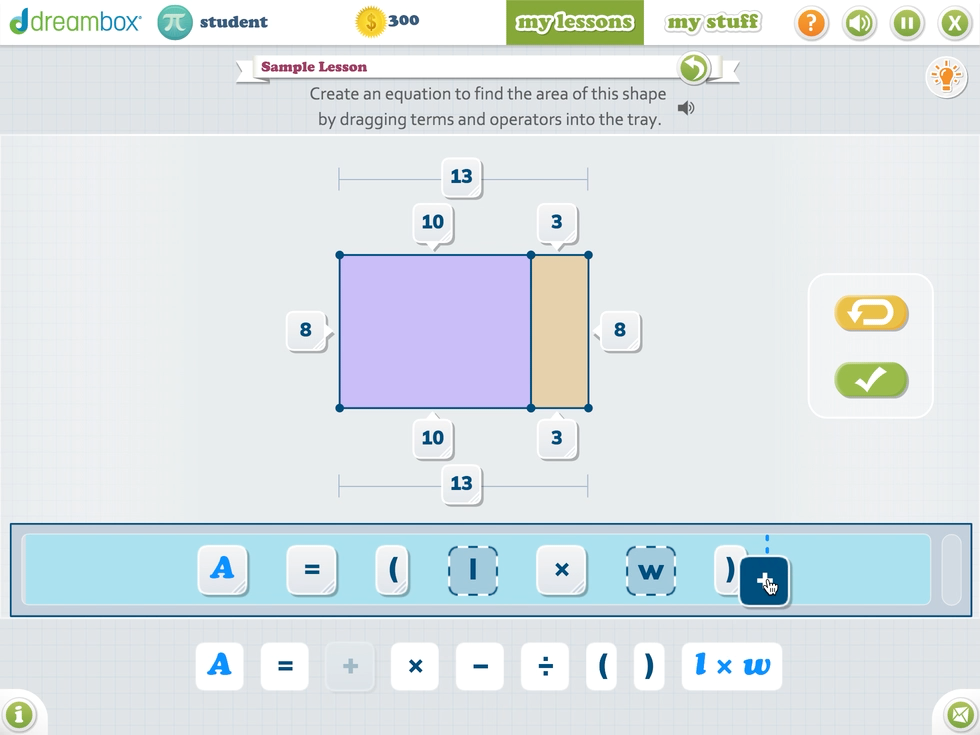
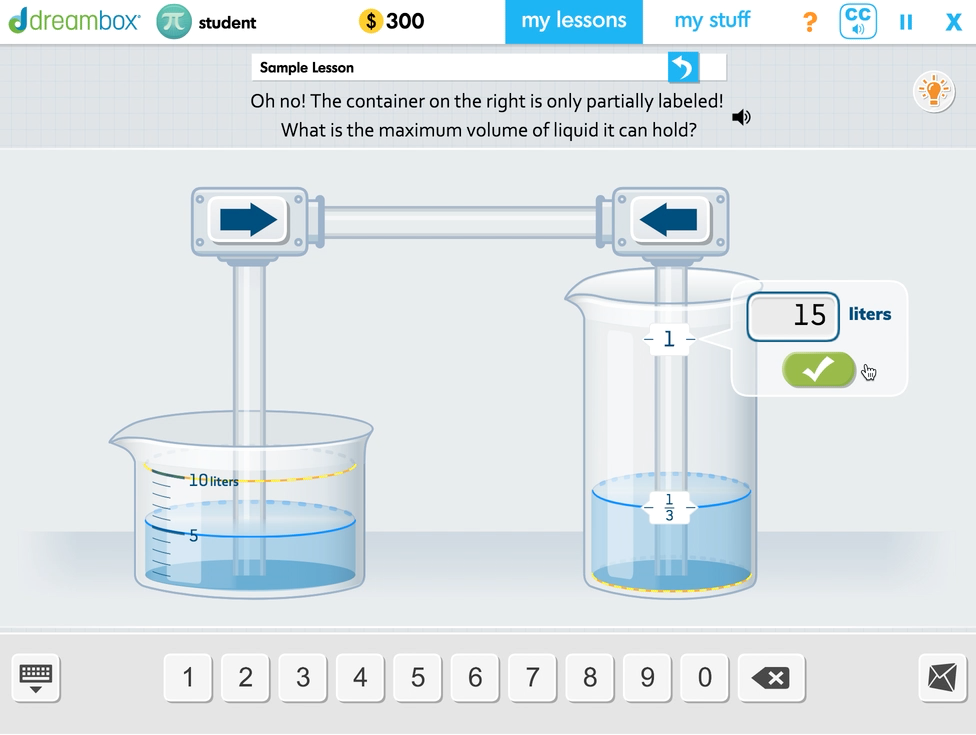
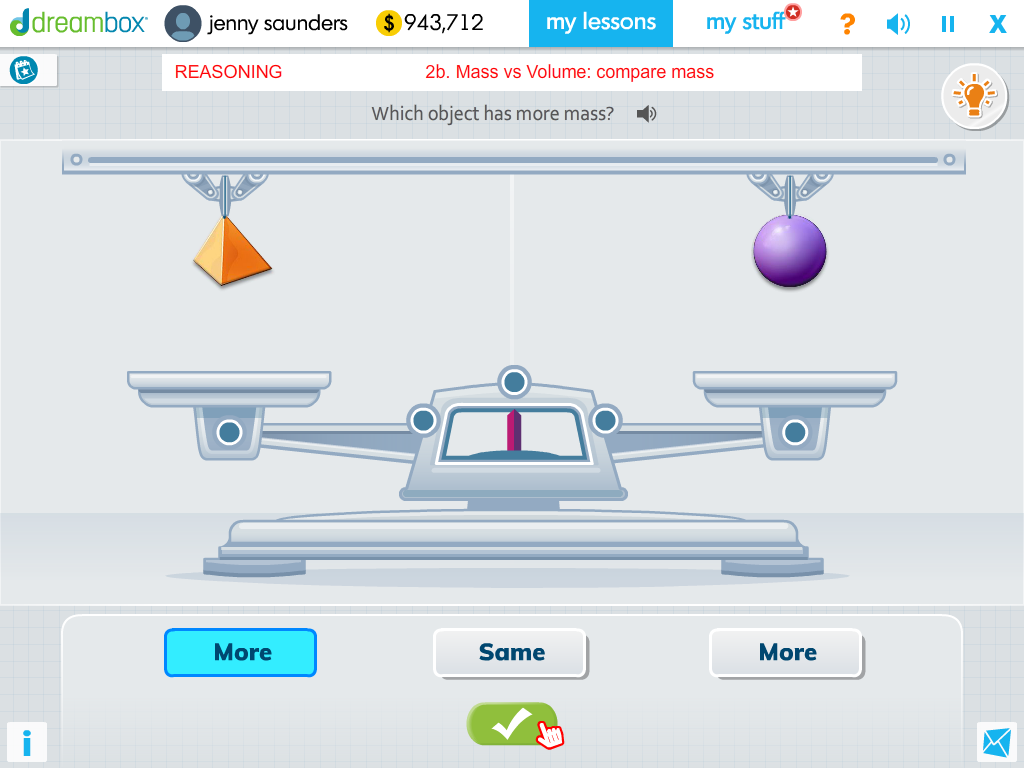
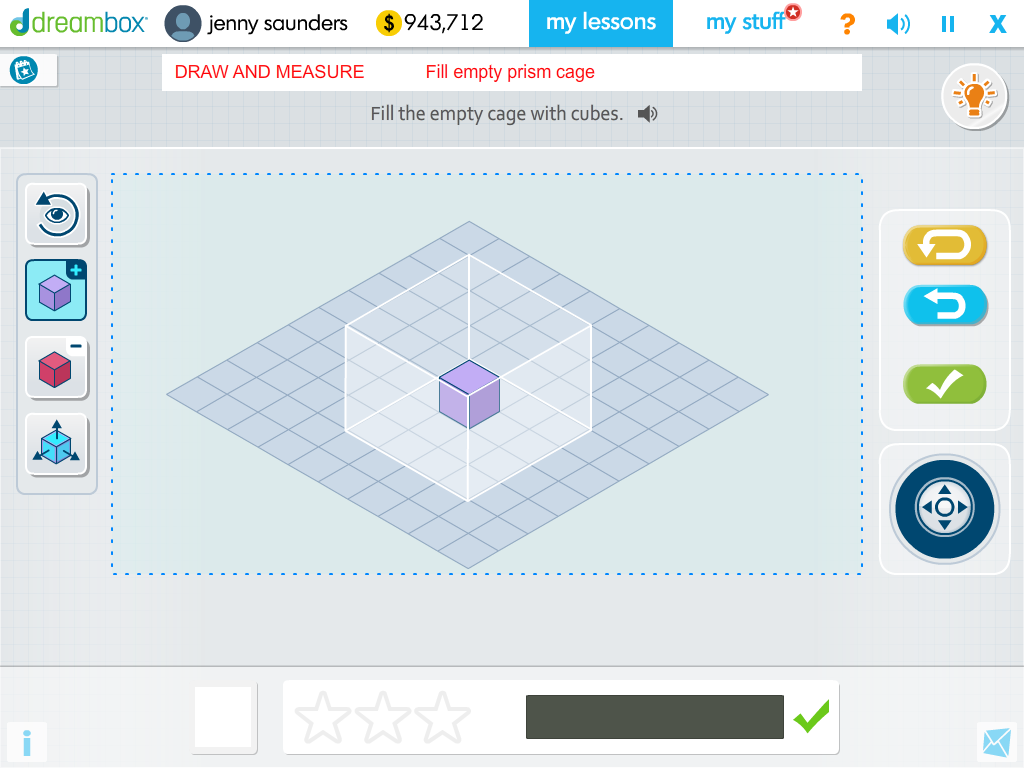
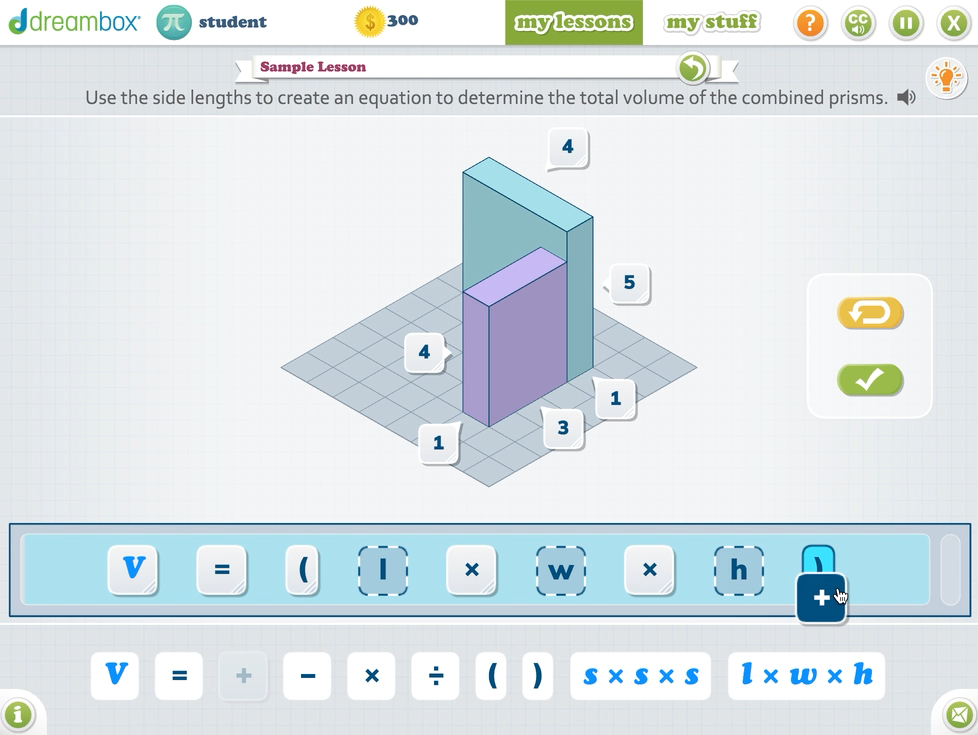
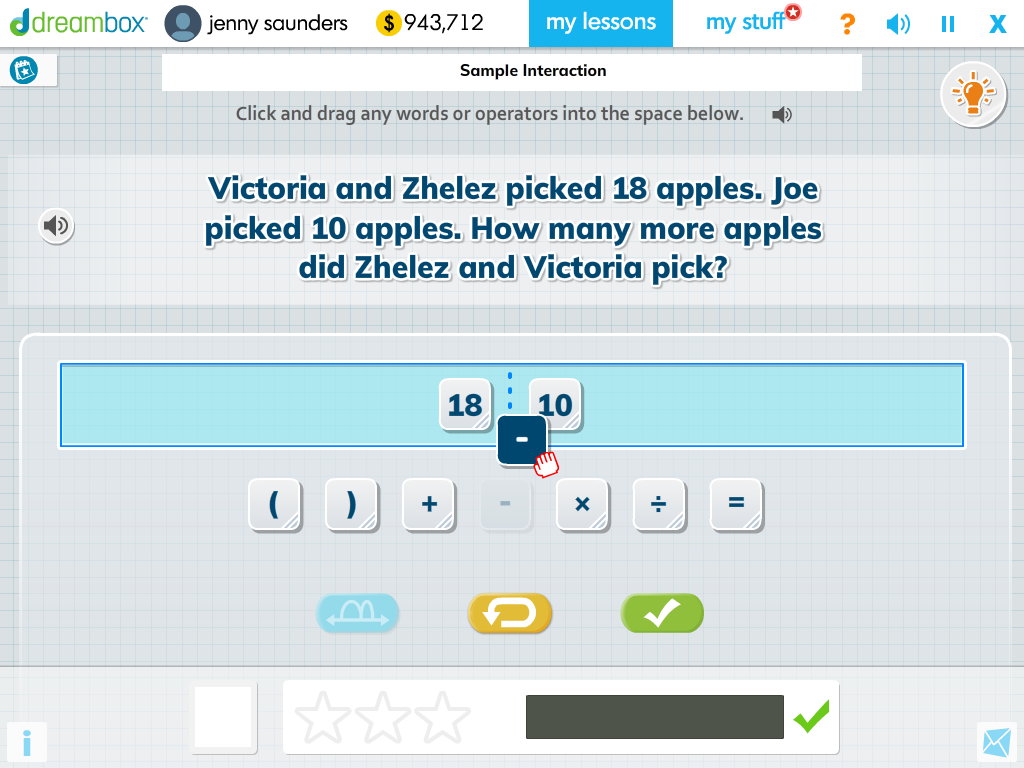
UIUX, Interaction, & Visual Design for a new Lesson Help feature
Design Problem: User feedback and data from educators and students revealed that they often did not know what they should do when first entering a lesson. The existing tutorial feature also required users to cycle through the entire list of built audio and in-lesson visual prompts when they wanted to understand a specific interaction.
I took the initiative to design a new lesson help feature for how to interact with the lesson “tools” and manipulatives and wore the Product Designer hat for this project, from UIUX, Visual and Motion Design System, and partnering with Art and Engineering to implement the feature.
Post-release, I partnered with UX Research in monitoring incoming student feedback and metrics that indicate improvements in the lesson user experience.
UIUX, Interaction, & Visual Design for DreamBox Fractions Lessons
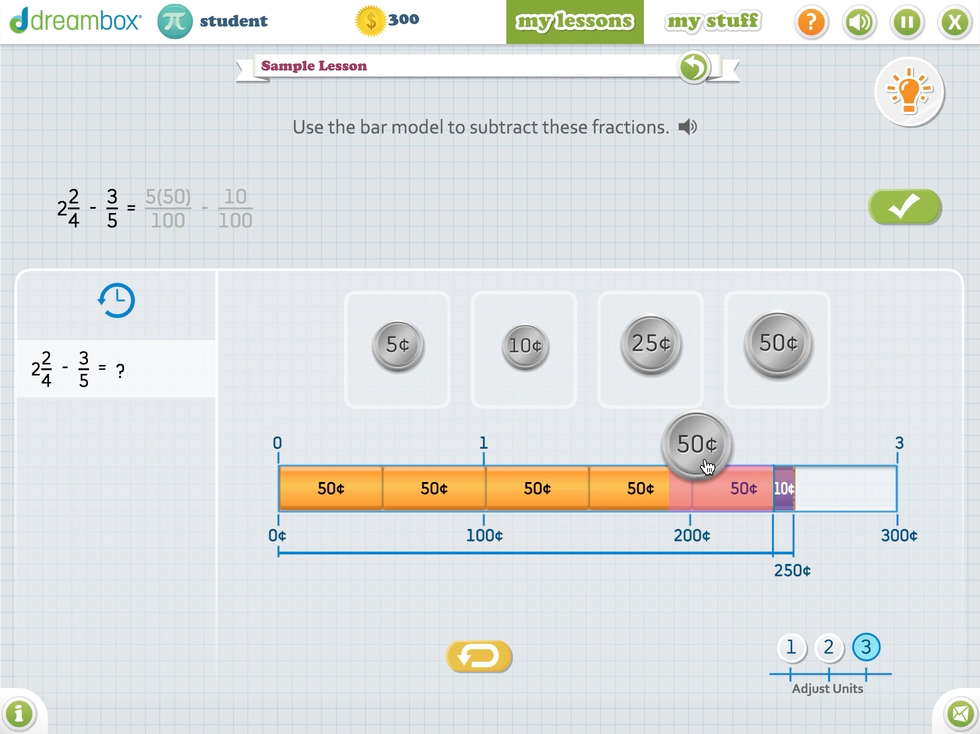
For a new set of DreamBox lessons addressed understanding fractions with unlike denominators, I took on the UIUX, Art Direction, and Visual Design tasks and collaborated with our Sr. UX Director, curriculum designer, and engineering to design the main interactions and user flows.
Unlike competitors providing digitized worksheets or "light" interactive learning modules, DreamBox lessons provide students with means to explore and understand mathematical concepts by interacting with "virtual manipulatives". DreamBox's pedagogical approach is to allow students to explore, experiment, and make mistakes in a "safe space" to help build conceptual understanding of mathematical concepts.
Process:
Initial white-boarding sessions with the Curriculum and UX team to brainstorm how we could translate the math pedagogy into interactive components that would support the learning and exploration of fractions with unlike denominators.
UX wireframing of all the learning experiences within this lesson group
Prototyping complex flow and interactions and partnering with Engineering to build out the prototypes for user testing and validation within the platforms lesson sandbox.
Applying the Age-Agnostic visual system during the visual design phase of these lessons.
Partnering with Art and Engineering on the asset creation and implementation of the designs.
Documenting designs and specs for the team to reference during development and QA testing.
Integrating Squiggle Park (now Reading Park) with the DreamBox Learning Environment
With the acquisition of Squiggle Park—eventually rebranded as Reading Park—I spearheaded early brainstorming sessions with Design, Art, and Engineering to assess what was feasible within the project’s scope. Our goal was to build upon the existing art style with its delightful characters and develop the storyline as part of the overall engagement. I had the opportunity to present to the broader organization and senior leadership a high-level design and artistic vision during the project’s official kickoff.
I then put on the Visual Designer hat and partnered with Content Leadership, UX, and Art in setting up the visual UI design system for the product with a focus on WCAG accessibility standards, generous button target areas, captioning, and localization.
Special attention was also paid to the font choice, as early literacy learners were still learning the alphabet and font glyphs needed to reflect what educators were teaching in the classroom.
I also designed the visual system with flexibility and scalability of UI components as well as potential future features such as the option to toggle between light and dark modes. The fun part was exploring how some of the engagement screens could look with the Squiggle characters and updated backgrounds by the team’s amazing Senior Artist.
Seasonal Engagement Feature - From a Hackathon Project to Feature Launch
With the support and encouragement of my UX Director, I championed the idea of having seasonal engagement content updates within the student platform for all engagements during one of DreamBox’s hackathons. We had fantastic cross-functional collaboration with Engineering, Art/Design, QA, and Marketing who were all excited about making this idea come to life, and together we successfully built and demoed the feature with a “Winter” theme which was eventually greenlit for release with support from Product Marketing in promoting the feature update.
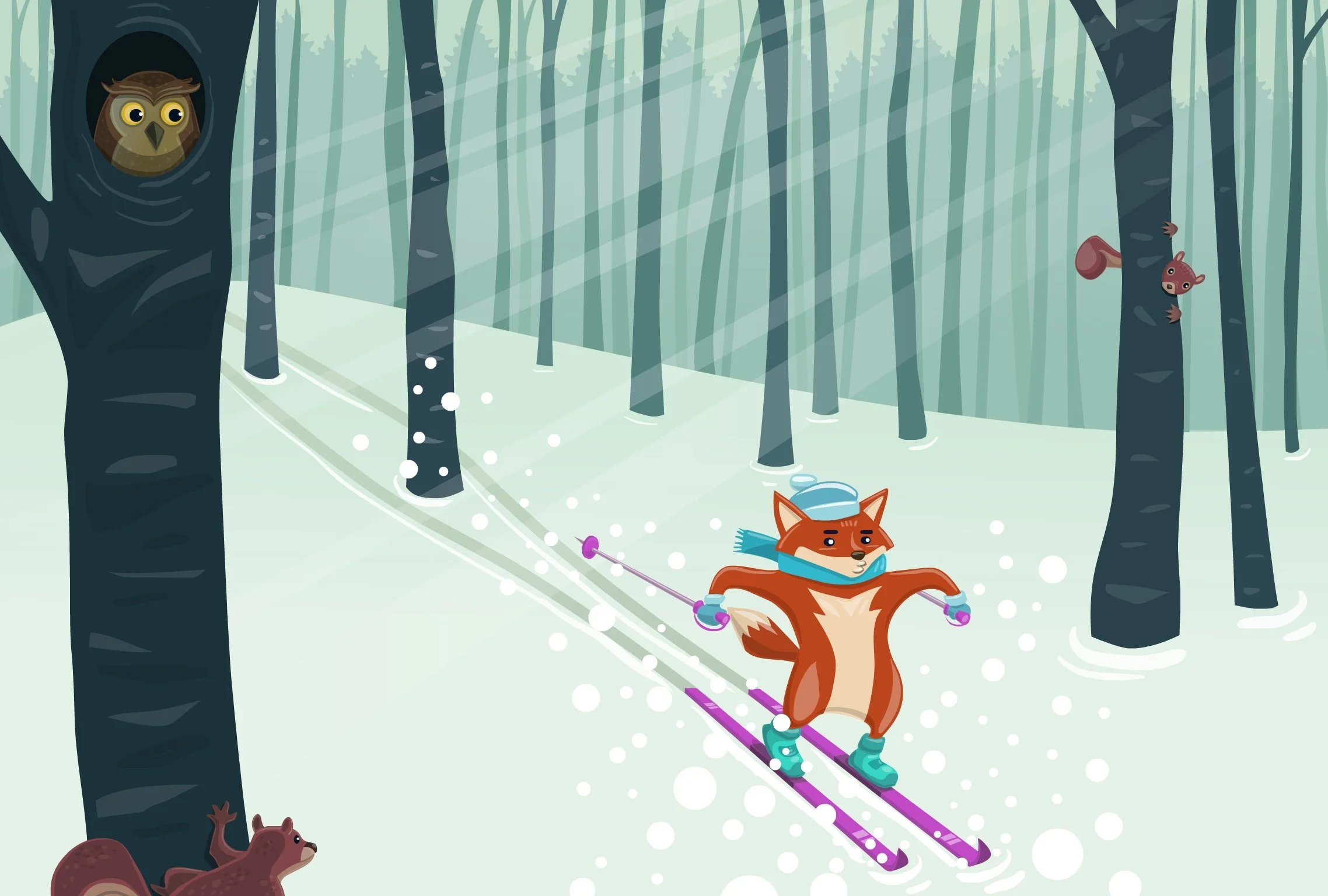
In addition to championing the project, I had a chance to work out the interaction flow in collaboration with the hackathon team and then provide seasonal music stingers and create the artwork, some of which can be viewed in the wallpaper and icon section below.
Post-launch, I continued to partner with the hackathon team to incorporate added seasonal switches and content for Fall and Summer.
Receiving student feedback about how excited they were to see the seasonal content updates when they logged into DreamBox was an immensely rewarding experience!
Character Design
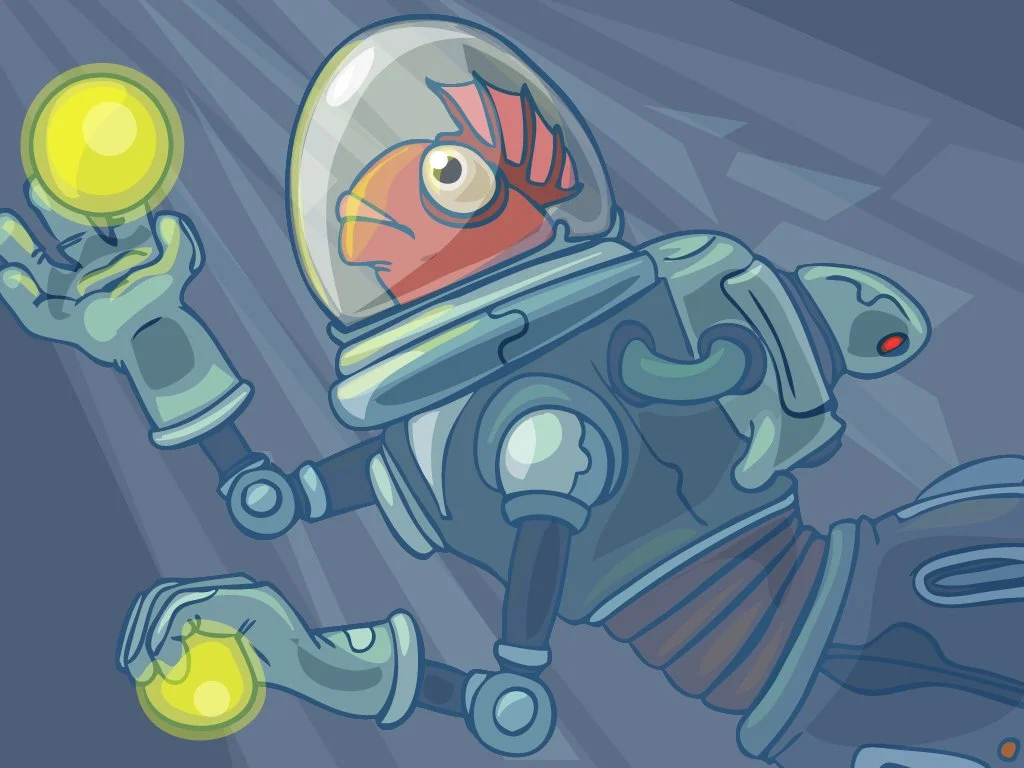
I created a new set of DreamBox characters called the Gübs (name idea from the Creative Director!) for the launch of the intermediate student engagement. As we continued to build out more lesson and engagement content, I created additional characters such as the Addition and Subtraction heroes and villains, the Angle Builder spider, and other secondary characters for DreamBox games.